How to add cat list power-up in Trello
Here is how to add cat list power-up in trello
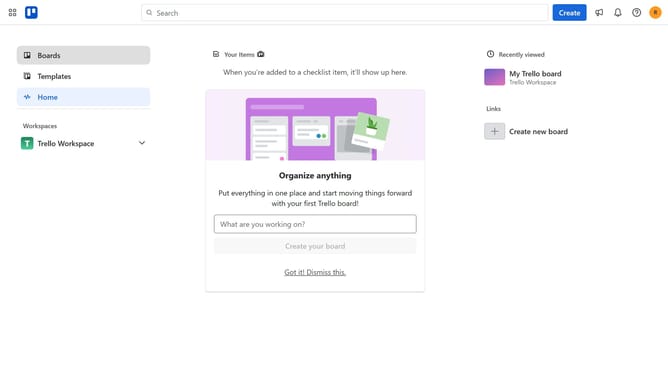
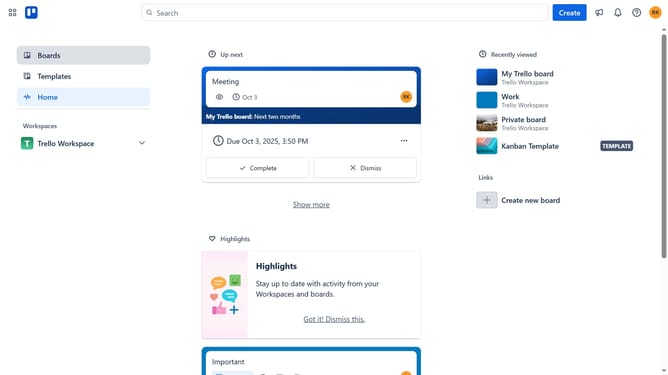
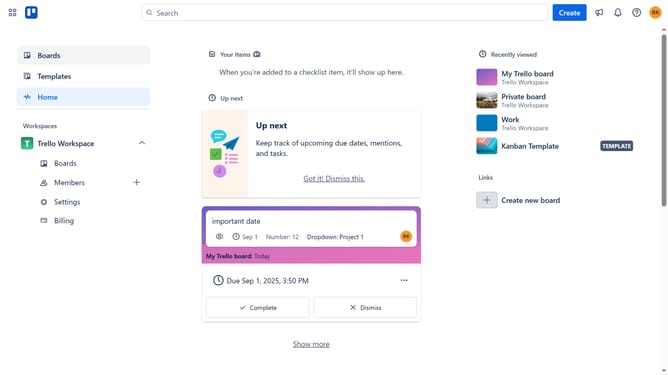
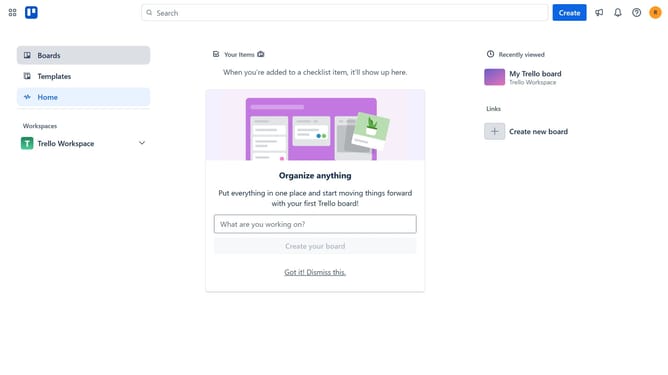
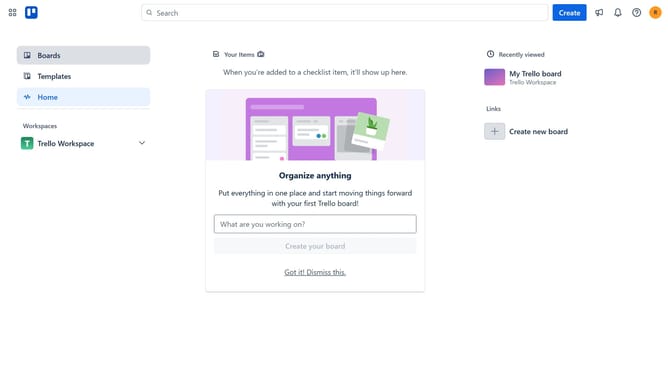
- First click on the "Boards" option in the left sidebar
- Then click a board in the workspace section
- Next click on the menu button (three dots) in the top-right corner of the board
- Scroll down in the menu settings
- Select "Power-Ups" from the expanded menu options
- Click on the "Automation" category in the left sidebar of the Power-Ups window
- Click the "Add" button under the "Cat list" option
- Finally click the "Add" button in the Cat List power-up details panel
Why should you add cat list power-up in Trello
Trello is a versatile project management tool designed for organizing tasks and team collaboration.
The cat list power-up in Trello offers a whimsical way to manage your lists while keeping things engaging. This feature celebrates your love for felines, delivering a playful twist to conventional task tracking.
By incorporating cat list power-up, your workflow becomes visually stimulating, adding charm as you prioritize tasks with a touch of joy and creativity.
Engage your team, boost morale, and enjoy a delightful spin on productivity with this unique addition.
Last update