How to remove a start date from a card in Trello
Here is how to remove a start date from a card in trello
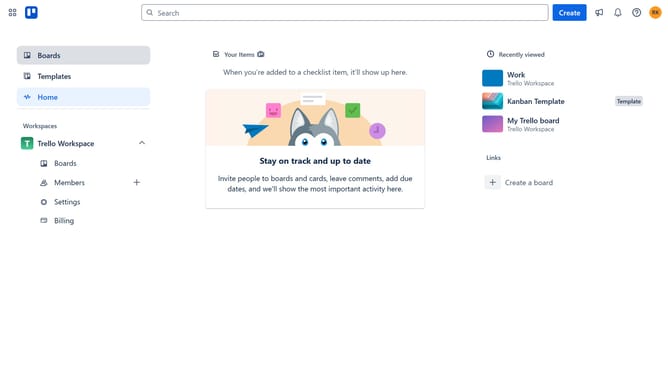
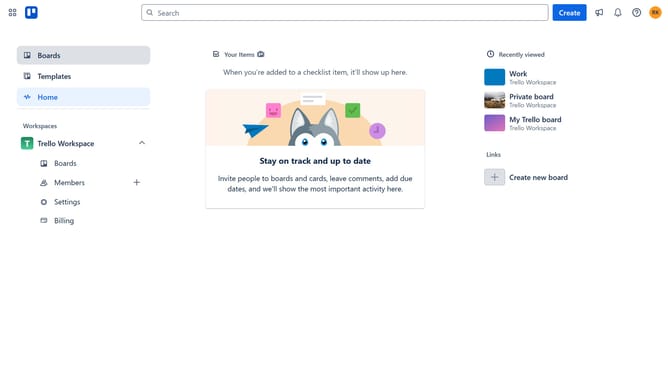
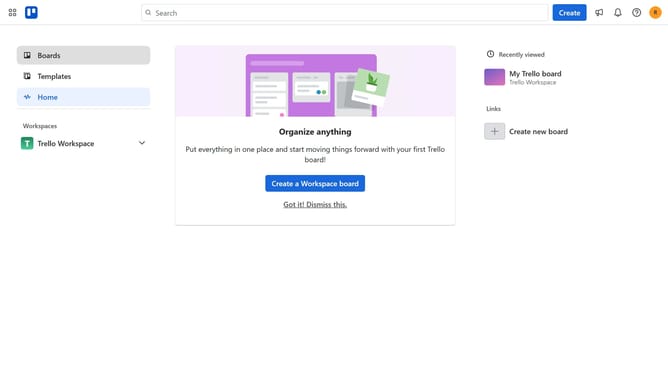
- First click on the "Boards" option in the left sidebar menu
- Then click on the board that has a card where you want to remove the start date in the workspace section
- Next click on the card you want to remove the start date from
- Click on the date field dropdown to open the date picker
- Uncheck the box beside the start date to remove it
- Finally click "Save" button to confirm the date changes
Why should you remove a start date from a card in Trello
Trello is a versatile project management tool designed to keep teams organized and on track with its intuitive card and board system.
The option to remove a start date from a Trello card offers flexibility in adjusting project timelines as necessary. This feature is essential when workflows change, and deadlines need to be revised without confusion.
By removing a start date, team members can focus on current tasks without being distracted by earlier schedules that might no longer apply. This ensures clearer communication and streamlined task management.
Last update