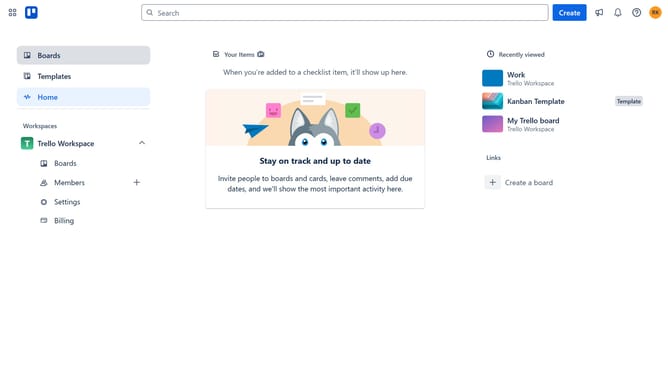
How to add a list to a new board in Trello
Here is how to add a list to a new board in trello
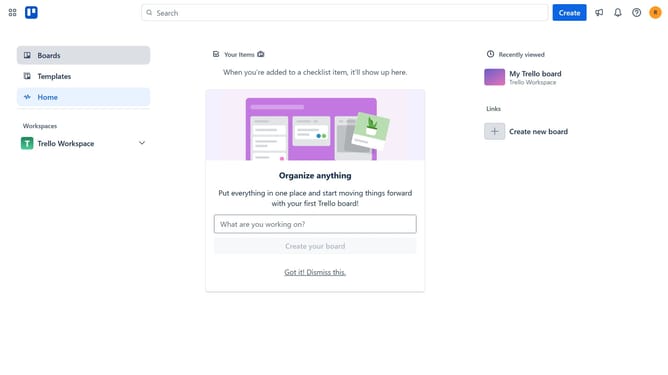
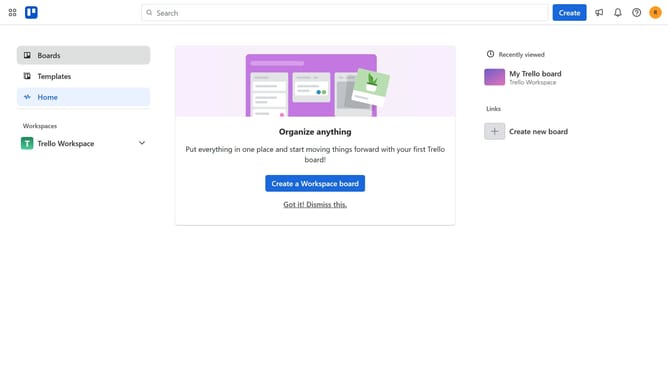
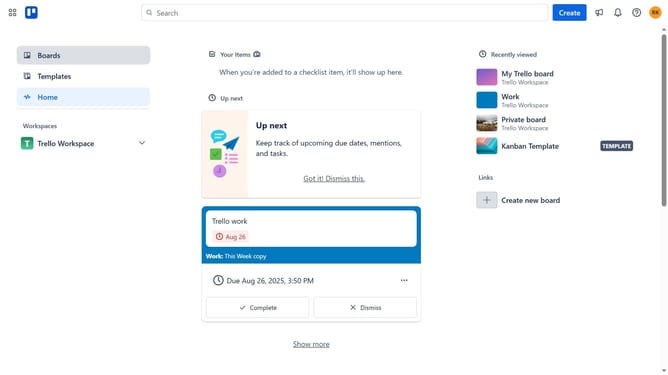
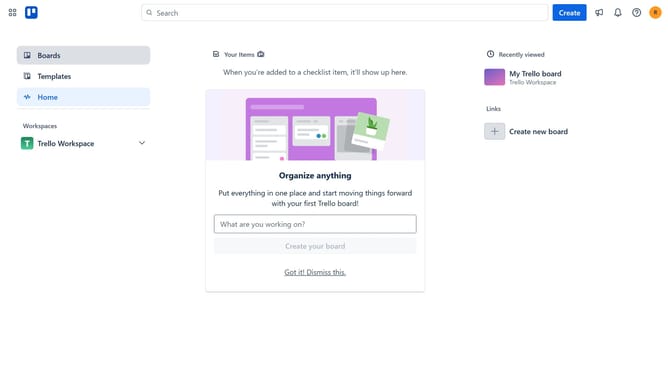
- First click on the "Boards" option in the left sidebar
- Then click on the "Work" board tile in the workspace section
- Next click on the "Add another list" button in the board view
- Then click on the list name input field and enter the desired name
- Finally type "Done" in the list name field to create a new list
Why should you add a list to a new board in Trello
Trello is a versatile project management tool designed to help individuals and teams organize tasks with visual boards.
Adding a list to a new board in Trello is a straightforward process that enhances your ability to track progress and manage tasks efficiently.
Lists serve as the essential building blocks of your workflow, allowing you to categorize tasks, prioritize projects, and maintain a clear overview of ongoing activities.
By adding lists, you can streamline project management, improve collaboration, and ensure that nothing falls through the cracks.
Last update