How to add qualityhive in Trello
Here is how to add qualityhive in trello
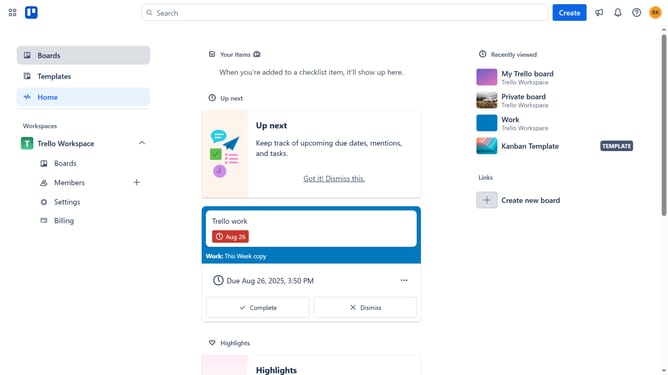
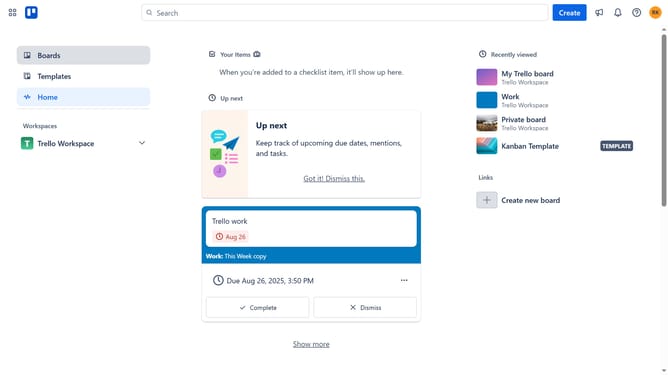
- First click on the "Boards" option in the left sidebar
- Then click a board in the workspace section
- Click on the "More" menu button (three dots) in the top-right corner of the board
- Select "Power-Ups" option from the dropdown menu
- Scroll down in the power-ups list
- Select the "IT & project management" category from the left sidebar
- Click the "Add" button under the QualityHive Power-Up
- Finally click the "Add" button in the confirmation dialog to install the Power-Up
Why should you add qualityhive in Trello
Trello is a versatile project management tool designed to simplify task organization and team collaboration.
Adding QualityHive to Trello seamlessly enhances performance by integrating quality assurance tools directly into your workflow.
This union streamlines processes, boosts efficiency, and ensures that high standards are maintained in every project stage.
Utilizing QualityHive in Trello promotes a structured approach, effectively reducing errors and fostering better communication among team members.
Last update