How to add time tracker - chronos in Trello
Here is how to add time tracker - chronos in trello
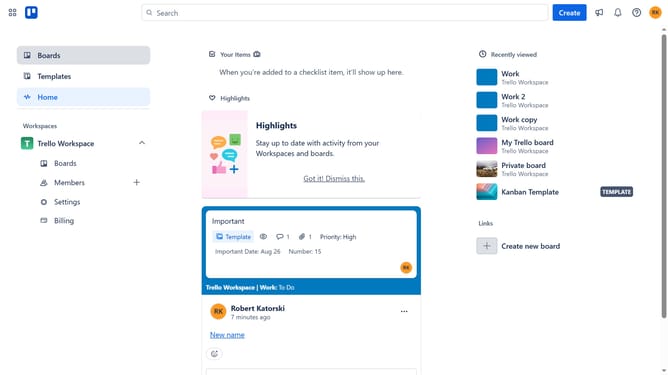
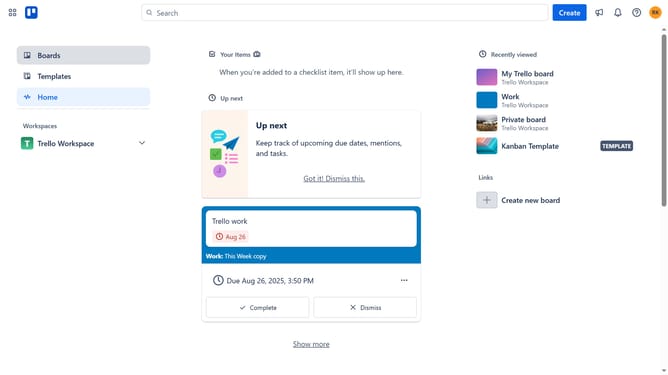
- First click on "Boards" in the left sidebar menu
- Then click a board in the workspace section
- Next click on the "More options" menu (three dots) in the top-right corner of the board
- In the dropdown menu, click on "Power-Ups" option
- Select "Analytics & reporting" from the categories list
- Click on the "Add" button under the "Time Tracker - Chronos"
- Review and click "Add" button in the permissions dialog
- Finally click "Authorize Chronos Power-Up" button in the authorization window
Why should you add time tracker - chronos in Trello
Trello is a dynamic project management tool designed to streamline task organization with interactive boards and lists.
Integrating the Chronos time tracker into Trello elevates productivity by enabling precise time monitoring on tasks and projects.
Chronos provides insights into where time is spent, improving workflow and fostering accountability within teams.
Employing this integration helps users effortlessly enhance efficiency, thus facilitating better project management and decision-making.
Last update