How to add card size by screenful power-up in Trello
Here is how to add card size by screenful power-up in trello
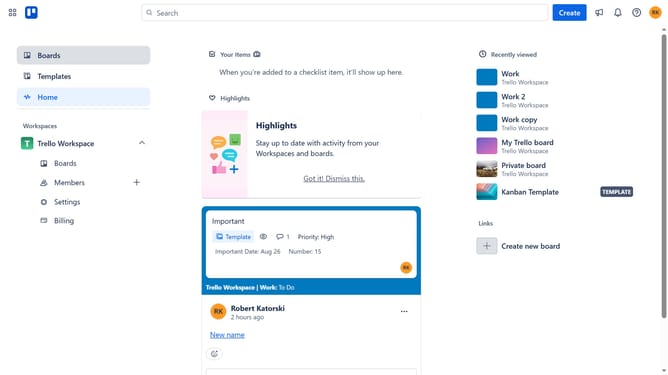
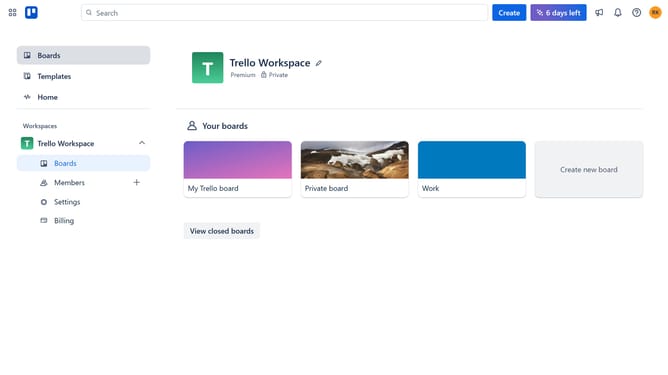
- First click on the "Boards" item in the left sidebar menu
- Then click a board in the workspace section
- Next click on the "More" menu button (three dots) in the top-right corner of the board
- Then click on "Power-Ups" option in the dropdown menu
- In the Power-Ups menu, click on the "Developer tools" category in the left sidebar
- Next click on the "Add" button under the "Card Size by Screenful" power-up
- Finally click on the "Add" button in the confirmation dialog to install the power-up
Why should you add card size by screenful power-up in Trello
Trello is a versatile project management tool designed to organize tasks efficiently and improve team collaboration.
The "Add Card Size by Screenful" power-up in Trello is a game-changer for workload management. It allows users to assign size estimates to cards, providing a visual representation of task demands.
This feature enhances planning accuracy and resource allocation by making task evaluation transparent and easily understandable.
Integrating this feature into Trello's workflow ensures that team members can prioritize tasks effectively, leading to increased productivity and balanced workloads.
Last update