How to add marketing requests power-up in Trello
Here is how to add marketing requests power-up in trello
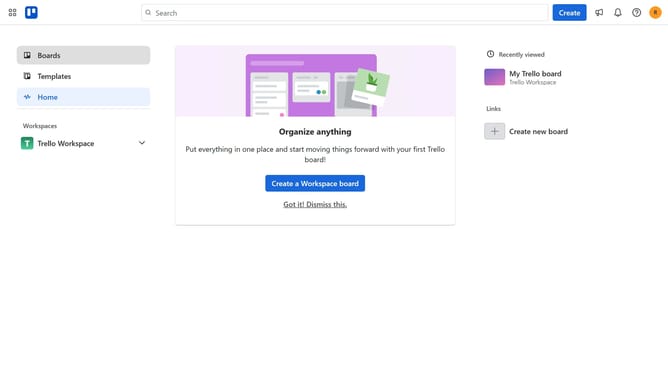
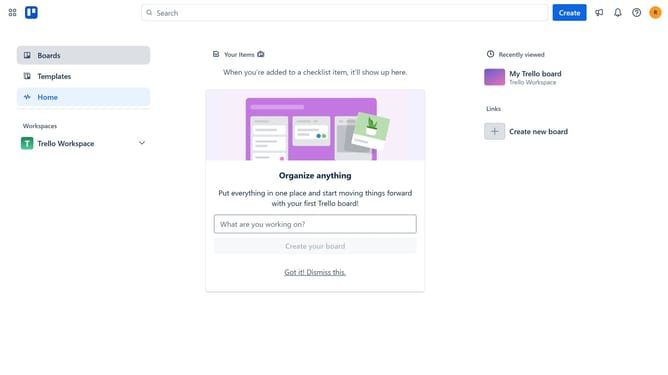
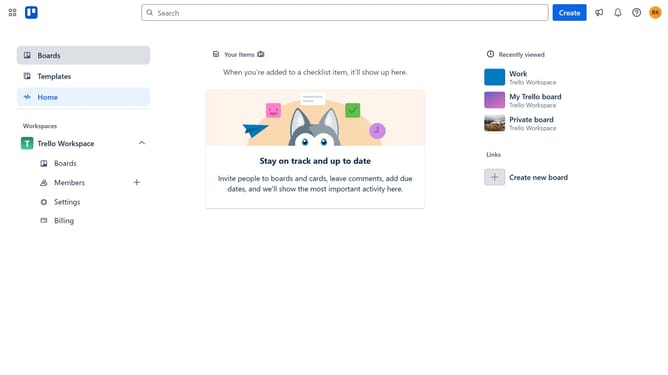
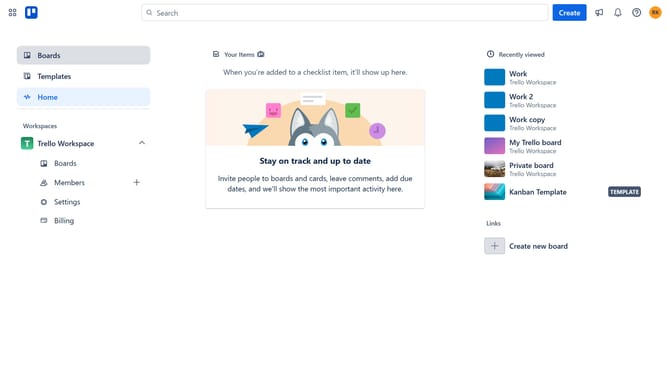
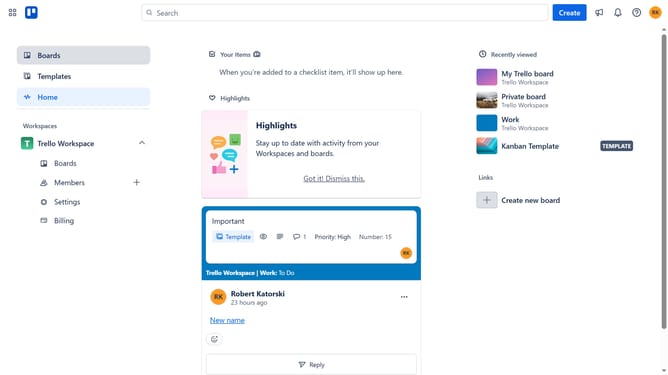
- First click on the "Boards" option in the left sidebar menu
- Then click a board in the workspace section
- Next click on the "More options" button (three dots) in the top-right corner of the board
- In the dropdown menu, select "Power-Ups" option
- Scroll down in the power-ups menu
- Select the "Product & design" category from the left sidebar menu
- Click the "Add" button next to the "Marketing Requests by Hipporello" power-up
- Finally, click the "Add" button in the confirmation dialog to install the power-up
Why should you add marketing requests power-up in Trello
Trello is a versatile project management tool designed to streamline tasks and enhance collaboration through visual boards and cards.
Adding the Marketing Requests power-up in Trello transforms a simple board into a powerful hub for organizing and managing marketing needs effectively.
This feature allows teams to centralize requests, prioritize tasks, and ensure that marketing projects move forward smoothly and efficiently.
By enhancing communication and visibility, it empowers marketing teams to meet deadlines and achieve strategic goals with greater ease.
Last update