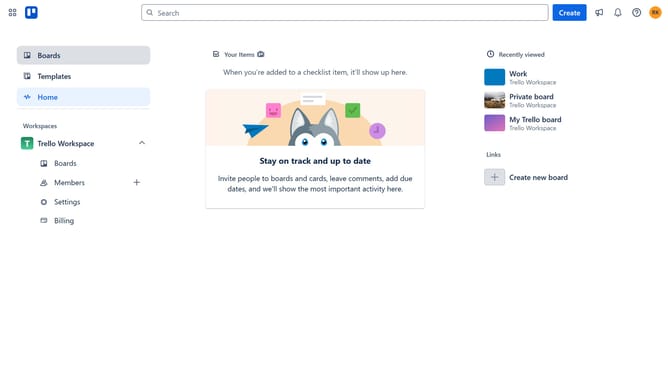
How to add cross board export in Trello
Here is how to add cross board export in trello
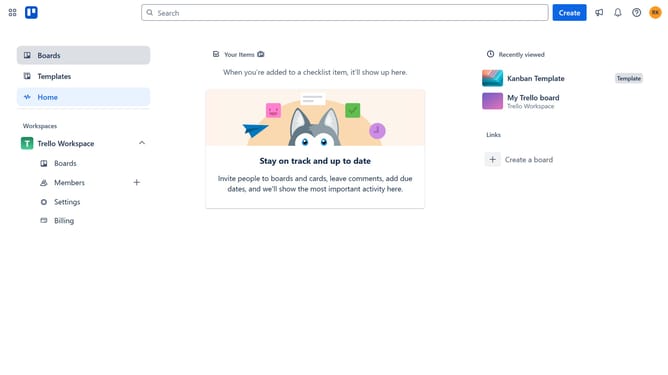
- First click on "Boards" in the left sidebar
- Then click on "My Trello board" card in the workspace section
- Next click on the "More" button (three dots) in the board's top menu
- Then click on "Power-Ups" option in the dropdown menu
- Next click on "Analytics & reporting" category in the Power-Ups menu
- Then click on the "Add" button under the "Cross-Board Export: CSV, JSON, XLSX, Google Sheets" power-up
- Finally click the "Add" button to install the Cross-Board Export power-up
Why should you add cross board export in Trello
Trello is a dynamic project management tool designed to streamline workflows and enhance productivity.
Incorporating the cross board export feature in Trello allows users to easily transfer cards between multiple boards, optimizing organization and collaboration.
This feature is especially beneficial for teams managing interconnected projects, as it ensures seamless information flow and reduces redundant data entry.
With cross board export, teams maintain a unified vision across their various boards, leading to improved efficiency and cohesive project execution.
Last update