How to add undo for trello power-up in Trello
Here is how to add undo for trello power-up in trello
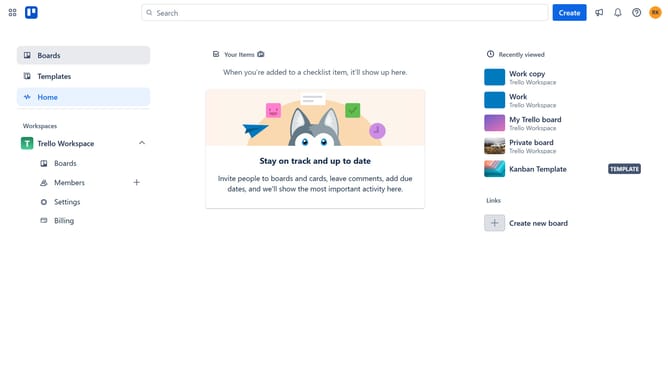
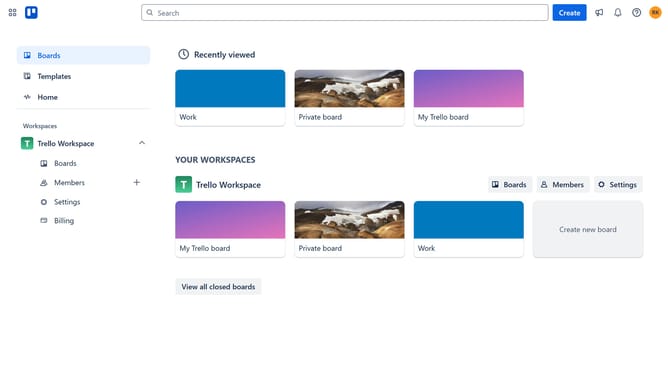
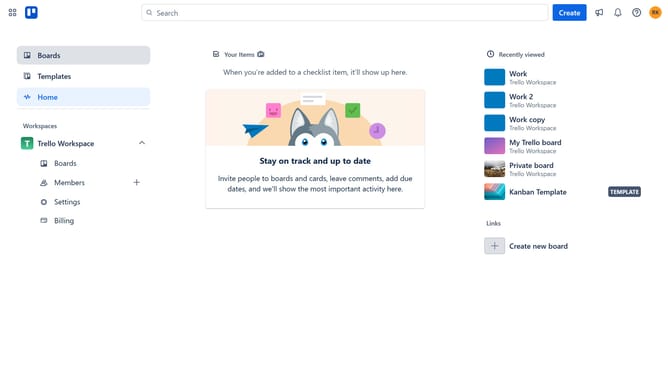
- First click on "Boards" in the left sidebar menu
- Then click a board in the workspace section
- Click the "More" menu button (three dots) in the board header
- Select "Power-Ups" option from the dropdown menu
- Click on "Analytics & reporting" category in the Power-Ups menu
- Click "Add" button for the "Undo for Trello" Power-Up
- Click the "Add" button to confirm adding the Power-Up
- Finally click "Authorize" button to grant permissions to the Power-Up
Why should you add undo for trello power-up in Trello
Trello is a versatile collaboration platform that streamlines project management with its intuitive board and card system.
Introducing an undo feature through a Trello power-up can significantly enhance your workflow by allowing you to easily reverse accidental changes.
This feature provides peace of mind and ensures that projects remain on track without unnecessary interruptions or mistakes.
By offering a safety net for your edits, it ultimately increases productivity and reduces stress, allowing you to focus on what truly matters.
Last update