How to duplicate custom fields in Trello
Here is how to duplicate custom fields in trello
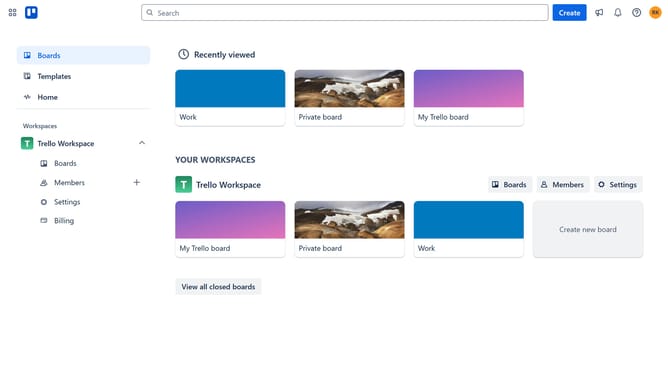
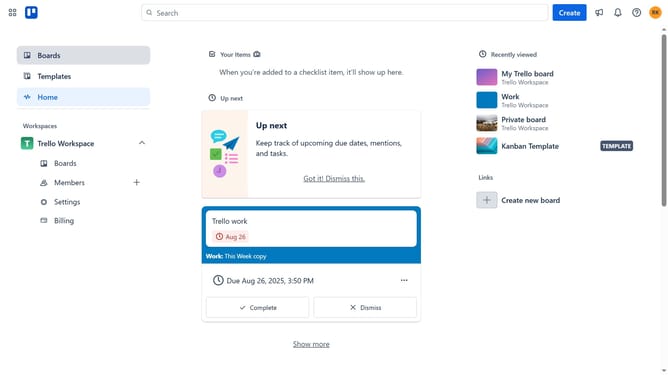
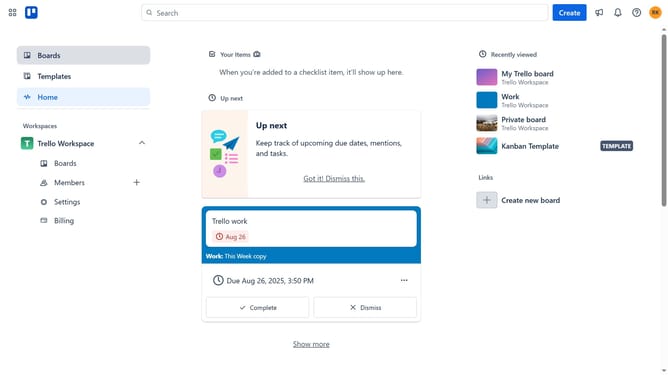
- First click on the "Boards" option in the left sidebar
- Then click on the board that contains the custom fields you want to duplicate in the workspace section
- Next click on the menu icon (three dots) in the top-right corner of the board
- Scroll down in the dropdown menu
- Click "Copy board" from the dropdown menu
- Click into the title field to enter the your desired board name
- Click on the workspace dropdown menu
- Select the workspace from the dropdown list where you want to duplicate the cards
- Check the "Keep cards" checkbox in the copy settings
- Finally click the "Create" button to duplicate the cards
Why should you duplicate custom fields in Trello
Trello is an intuitive project management tool designed to streamline task organization and team collaboration.
Duplicating custom fields in Trello enhances efficiency by allowing users to replicate details across different tasks easily.
This feature is particularly useful for maintaining consistency and saving time when managing repetitive tasks or projects with similar needs.
By simplifying the process of information duplication, Trello enables users to focus more on strategic planning and execution rather than manual data entry.
Last update