How to copy cards with custom fields in Trello
Here is how to copy cards with custom fields in trello
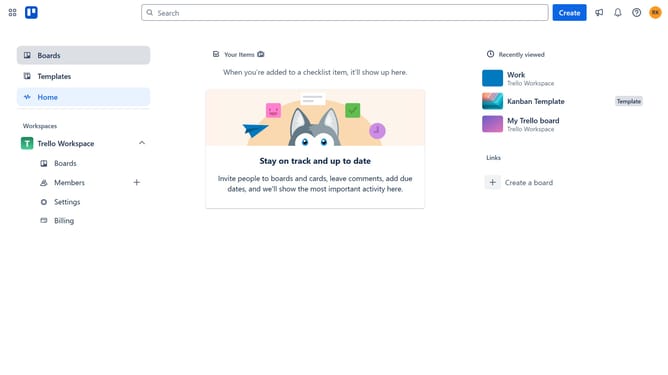
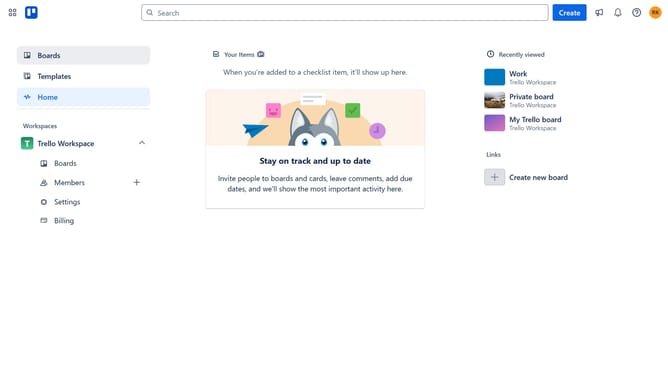
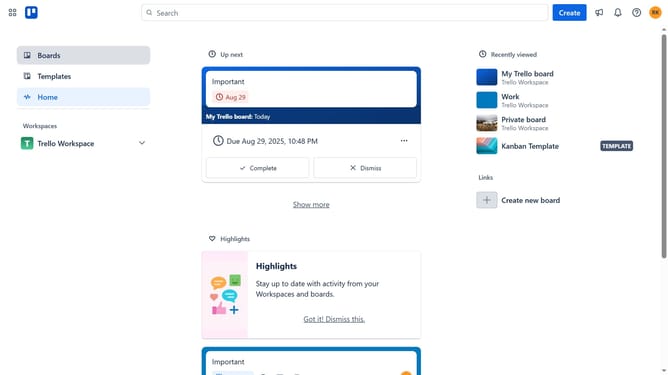
- First click on the "Work" board in the Trello Workspace section
- Then click on the card within the board that you want to copy
- Next click on the more options menu (three dots) in the top right corner of the card
- Select the "Copy" option from the dropdown menu
- Click on the "Board" dropdown in the copy card dialog
- Select the board where you want the copied card to be placed from the dropdown menu
- Click on the "List" dropdown in the copy card dialog
- Select the list where you want to place the card that will be copied from the dropdown menu
- Click on the "Position" dropdown in the copy card dialog
- Select the desired position for the copied card from the dropdown menu
- Finally click "Create card" to copy the card with custom field
Why should you copy cards with custom fields in Trello
Trello is a dynamic tool designed to streamline project management with effortless collaboration and organization.
One standout feature is the ability to copy cards with custom fields, which enhances efficiency by allowing personalization while ensuring important information remains consistent across tasks.
This feature is invaluable for maintaining uniformity and saving time, as it reduces repetitive work without sacrificing detail.
Ultimately, it empowers teams to focus on what truly matters: achieving project goals seamlessly.
Last update