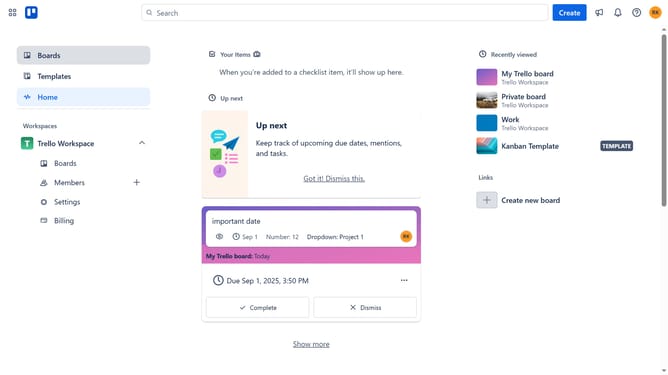
How to add wishlist power-up in Trello
Here is how to add wishlist power-up in trello
- First click on the "Boards" item in the left sidebar
- Then click a board in the workspace section
- Next click on the menu button (three dots) in the top right corner
- Then click on "Power-Ups" option in the dropdown menu
- Then click on "HR & operations" category in the left sidebar
- Scroll down in the HR & operations list
- Next click on the "Add" button under the Wishlist Power-Up
- Finally click on the "Add" button in the confirmation dialog to install the Wishlist Power-Up
Why should you add wishlist power-up in Trello
Trello is a visual collaboration tool that helps streamline your workflow and organizes tasks efficiently.
Adding the wishlist power-up to Trello elevates your ability to manage future projects or desired items seamlessly within your boards.
This feature allows you to consolidate ideas and aspirations directly in Trello, offering a structured approach to tracking and prioritizing what truly matters.
By harnessing the wishlist power-up, you enhance your planning capabilities, ensuring no great idea goes unnoticed.
Last update