How to add api developer id helper in Trello
Here is how to add api developer id helper in trello
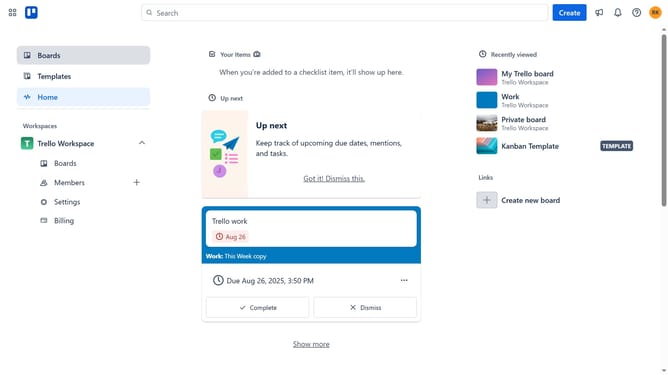
- First click on the "Boards" option in the left sidebar
- Then click a board in the workspace section
- Next click on the menu button (three dots) in the top right corner of the board
- Then select "Power-Ups" option from the dropdown menu
- In the Power-Ups window, click on the "Board utilities" category from the left sidebar
- Click on the "Add" button under the "API Developer ID Helper" Power-Up to view its details
- Finally click the "Add" button to install the API Developer ID Helper Power-Up
Why should you add api developer id helper in Trello
Trello is a dynamic project management tool designed to help teams collaborate and organize work effectively.
By adding an API Developer ID Helper in Trello, users can seamlessly integrate custom applications and automate workflows. This feature unlocks new possibilities, allowing developers to harness Trello's capabilities fully.
Utilizing the API Developer ID Helper increases efficiency and streamlines processes, giving teams the power to tailor their project management experience to their unique needs.
Ultimately, it enhances productivity by creating a more customized and responsive working environment.
Last update