How to add diagrams.net in Trello
Here is how to add diagrams.net in trello
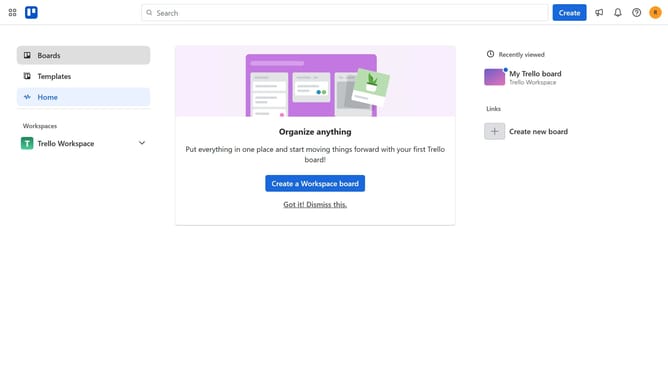
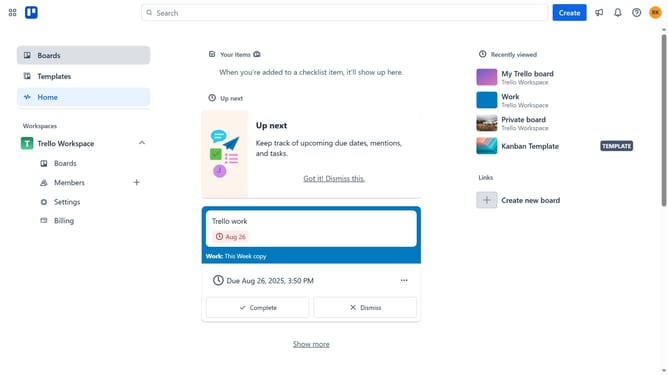
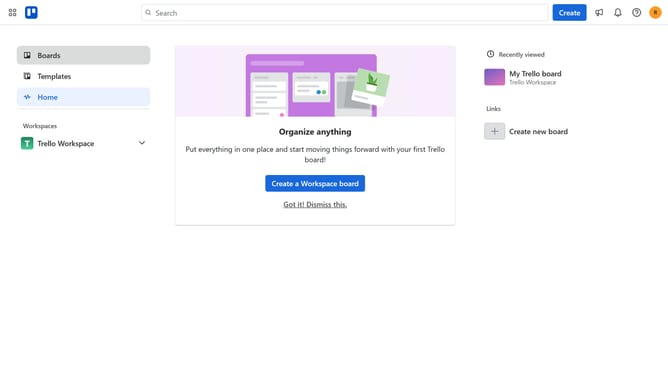
- First click on the "Boards" option in the left sidebar menu
- Then click a board in the workspace section
- Click on the "More options" (three dots) button in the top-right corner of the board
- Select "Power-Ups" option from the dropdown menu
- Click on "Board utilities" category in the Power-Ups menu
- Scroll down in the board utilities list
- Click on the "Add" button under the diagrams.net Power-Up
- Finally click the blue "Add" button in the confirmation dialog to install the diagrams.net Power-Up
Why should you add diagrams.net in Trello
Trello is a versatile project management tool designed to organize tasks and streamline workflows.
By integrating diagrams.net with Trello, users can enrich their boards with detailed, visual diagrams directly related to their tasks. This fusion enables teams to visualize processes and enhance collaboration by transforming complex information into easy-to-understand visuals.
Using diagrams.net within Trello is beneficial for project teams needing to map out workflows or brainstorm ideas. This integration elevates project clarity, ensuring that all team members are aligned and informed effortlessly.
Last update