How to add code snippets power-up in Trello
Here is how to add code snippets power-up in trello
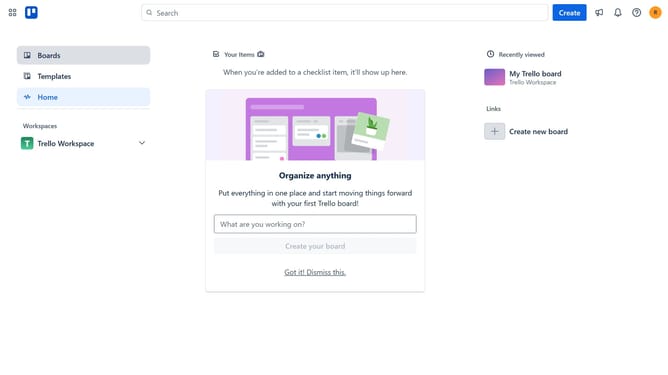
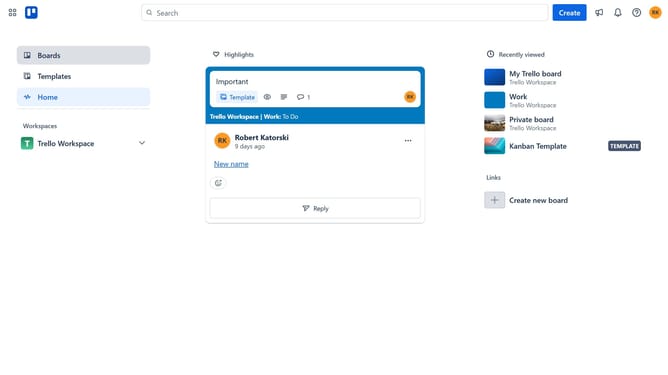
- First click on the "Boards" item in the left sidebar
- Next click a board in the workspace area
- Then click on the "More" menu (three dots) button in the top-right corner
- Next click on "Power-Ups" option in the dropdown menu
- Then click on "Developer tools" category in the left sidebar of Power-Ups window
- Scroll down in the developer tools list
- Then click on "Add" button under the Code Snippets Power-Up
- Finally click on "Add" button in the confirmation dialog to install the Code Snippets Power-Up
Why should you add code snippets power-up in Trello
Trello is a dynamic project management tool designed for organizing tasks and workflows visually on a board.
The code snippets power-up in Trello allows users to seamlessly integrate code documentation within their boards.
This feature is particularly beneficial for teams involved in software development, as it enhances collaboration by providing a cohesive space for technical discussions.
By enabling this power-up, code can be easily accessed and reviewed, promoting efficiency and clarity in project handling.
Last update