How to add show attachments power-up in Trello
Here is how to add show attachments power-up in trello
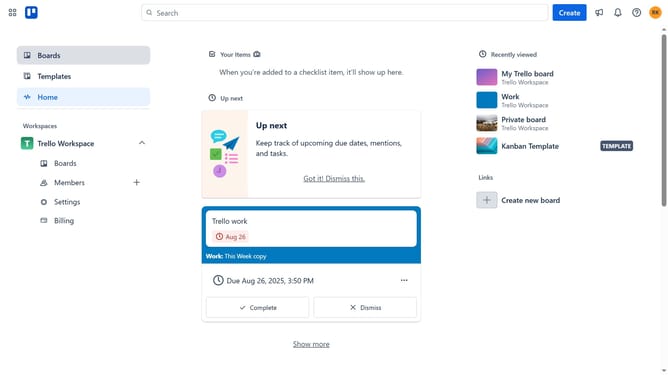
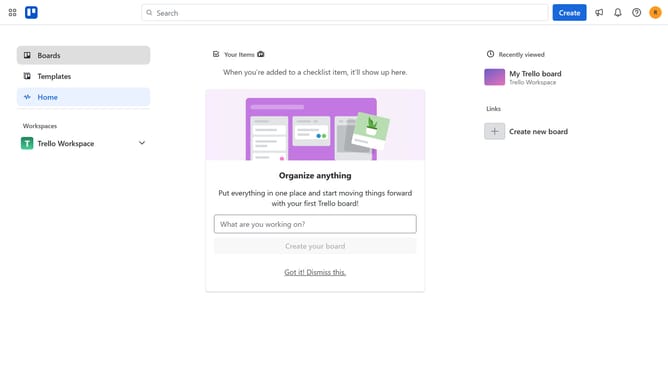
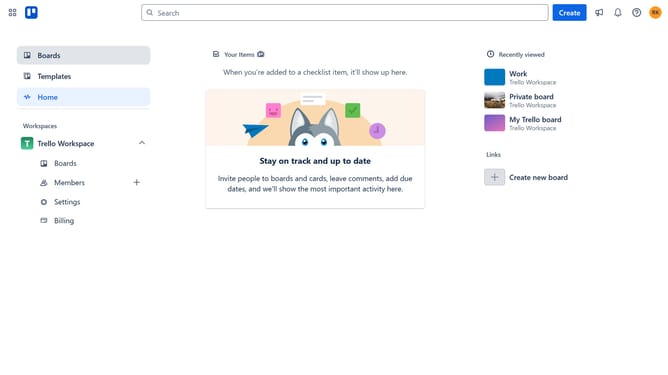
- First click on "Boards" option in the left sidebar menu
- Then click a board in the workspace section
- Next click on the "More" (three dots) button in the top-right corner of the board
- Then select "Power-Ups" option from the dropdown menu
- Next click on "Board utilities" category in the Power-Ups menu
- Then click the "Add" button under the "Show Attachments" power-up
- Finally click the "Add" button in the confirmation dialog to enable the Show Attachments power-up
Why should you add show attachments power-up in Trello
Trello is a versatile project management tool designed to simplify task organization and team collaboration.
The "Show Attachments" power-up in Trello is a convenient feature allowing users to view all file attachments for each card at a glance. This enhancement makes finding critical documents straightforward, saving valuable time.
Using this power-up boosts productivity and streamlines workflows, ensuring team members can quickly access the information they need without sifting through each card's details.
Last update