How to add harvest power-up in Trello
Here is how to add harvest power-up in trello
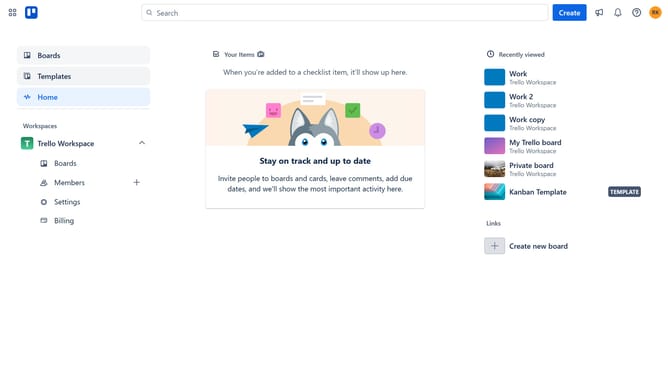
- First click on the "Boards" option in the left sidebar menu
- Then click a board in the Trello Workspace section
- Click on the "More" menu (three dots) button in the top right corner of the board
- Click on the "Power-Ups" option in the right sidebar menu
- In the Power-Ups window, click on the "Analytics & reporting" category from the left menu
- Scroll down in the analytics & reporting list to find the Harvest power-up
- Finally click the "Add" button for the Harvest Power-Up to install it
Why should you add harvest power-up in Trello
Trello is a versatile tool designed to streamline project management through visual organization.
Integrating the Harvest Power-Up in Trello allows users to track time seamlessly within their existing workflow. By adding this power-up, professionals can effortlessly monitor progress and ensure efficient time management.
This feature enhances productivity by providing insights into time allocation across various tasks, aiding in precise planning and better resource management.
Last update