How to add aive power-up in Trello
Here is how to add aive power-up in trello
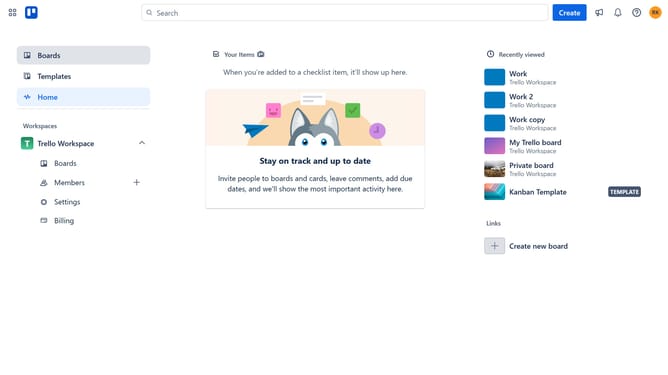
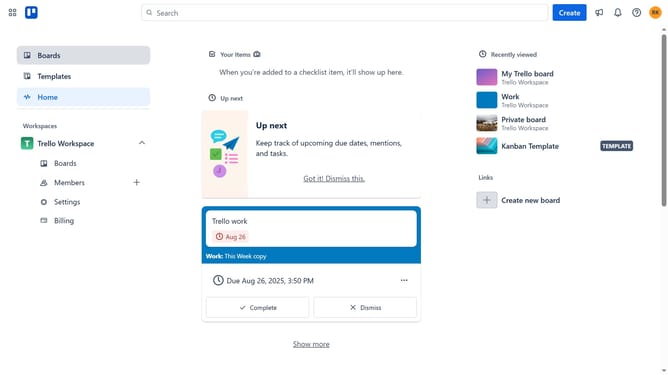
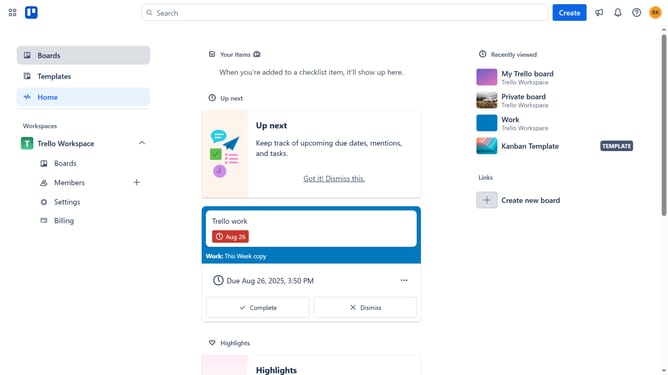
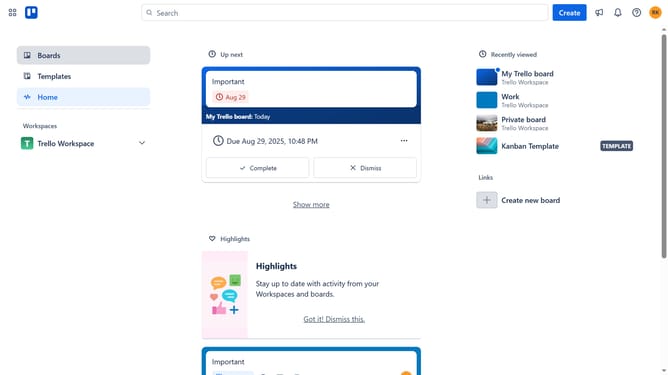
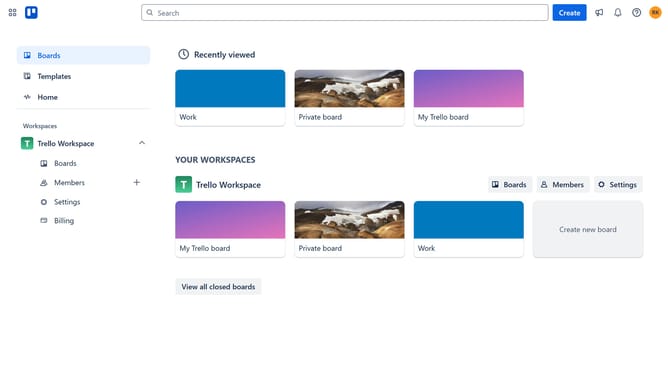
- First click on the empty area in the left sidebar to start navigation
- Then click boards in the workspace section
- Click the "More options" button (three dots) in the top-right corner of the board
- Select "Power-Ups" option from the dropdown menu
- Scroll down in the power-ups menu
- Select "Marketing & social media" category from the left sidebar
- Clik the "Add" button under the Aive power-up
- Finally click the "Add" button to install the Power-Up
Why should you add aive power-up in Trello
Trello is a versatile project management tool that helps teams organize tasks and enhance productivity seamlessly.
The Aive Power-Up in Trello offers a unique way to streamline your workflows by integrating artificial intelligence into your boards.
It enhances task management by providing smart suggestions and insights, which allow you to prioritize more effectively.
This feature transforms how you collaborate, offering real-time analytics and insights that empower your decision-making process.
Last update