How to filter cards marked as not complete in Trello
Here is how to filter cards marked as not complete in trello
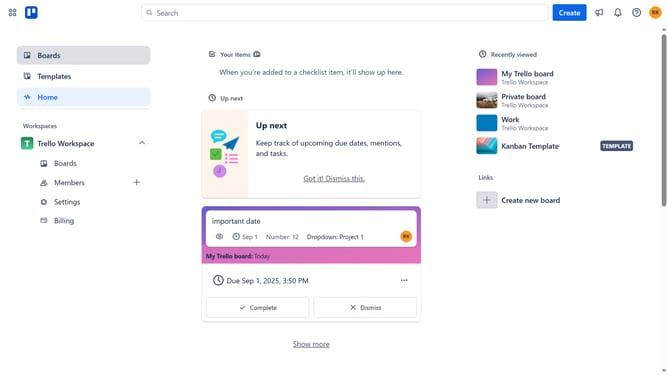
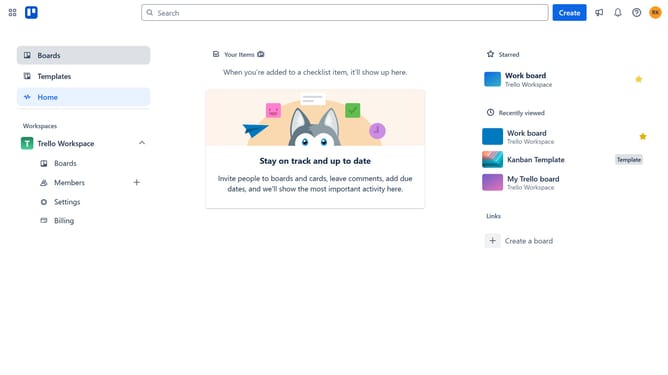
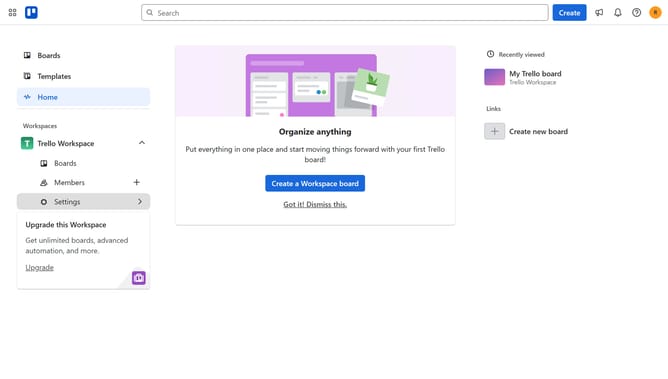
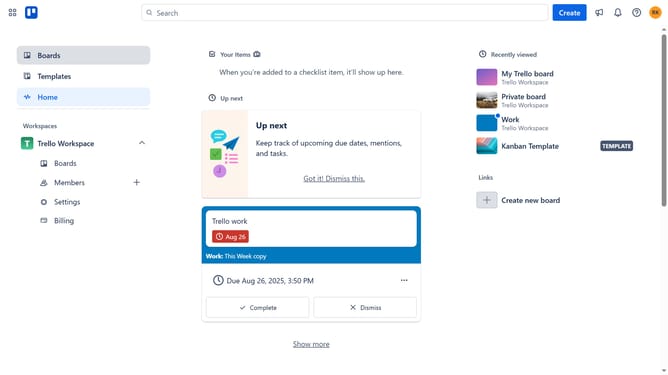
- First click on the "Boards" option in the left sidebar
- Then click a board from the workspace section
- Next click on the "Filter" icon in the board's top menu bar
- Finally click the checkbox next to "Not marked as complete" in the filter options
Why should you filter cards marked as not complete in Trello
Trello is a versatile project management tool that streamlines teamwork by organizing tasks visually.
An efficient way to boost productivity in Trello is by filtering cards marked as not complete.
This feature allows users to focus on pending tasks, eliminating distractions and ensuring that team members are on the same page.
Using the filter for incomplete cards means your team can quickly identify action items, prioritize effectively, and keep workflow seamless, enhancing overall project management efficiency.
Last update