How to add polls power-up in Trello
Here is how to add polls power-up in trello
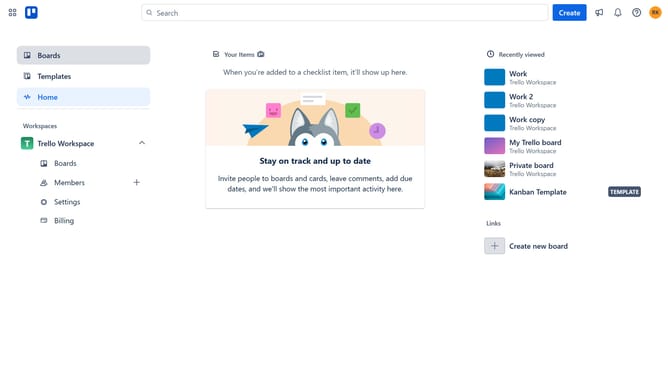
- First click on the "Boards" option in the left sidebar menu
- Then click a board in the workspace section
- Next click on the menu icon (...) in the top right corner of the board
- Then select "Power-Ups" option from the dropdown menu
- Next click on "Communication & collaboration" category in the left sidebar of Power-Ups modal
- Click the "Add" button under the "Polls - Tiny Power-Ups Club" power-up
- Finally click "Add" button on the confirmation dialog for the Polls Power-Up to install it
Why should you add polls power-up in Trello
Trello is a dynamic project management tool designed to enhance team productivity through visual task boards.
Adding the polls power-up in Trello turns your boards into interactive hubs for team engagement. This feature empowers users to seamlessly gauge opinions, prioritize tasks, and make collective decisions.
By integrating polls, teams benefit from streamlined communication, ensuring every voice is heard without the clutter of lengthy discussions. Embrace this feature to foster collaborative environments and drive projects forward with clarity and consensus.
Last update