How to connect notion + trello 2 way sync in Trello
Here is how to connect notion + trello 2 way sync in trello
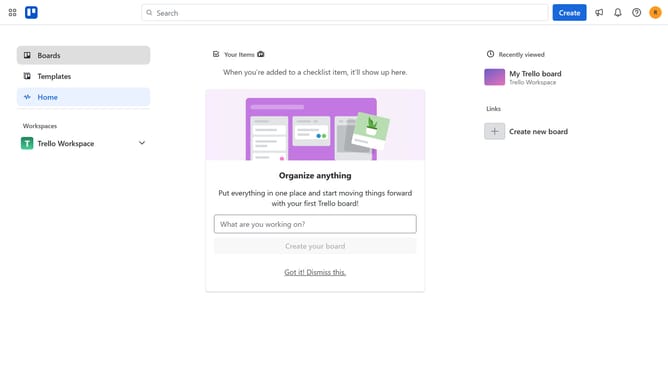
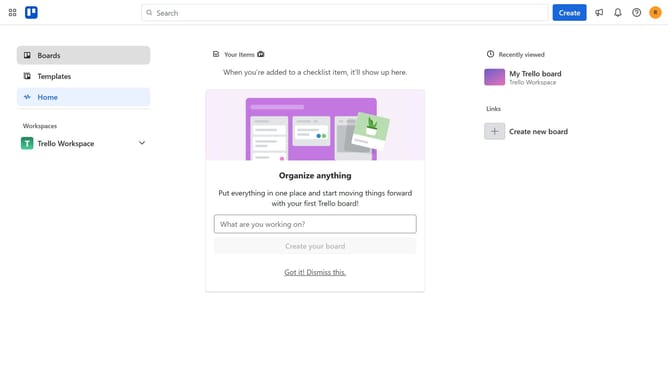
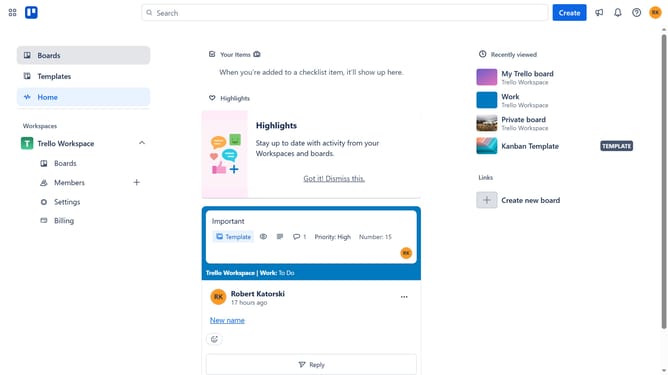
- First click on the search box labeled "Boards" in the left sidebar
- Then click a board in the workspace section
- Click on the more options menu ("...") in the top-right corner of the board header
- Click on "Power-Ups" option in the dropdown menu
- Select "Analytics & reporting" category from the left sidebar of Power-Ups menu
- Click on "Notion + Trello 2-Way Sync" power-up from the list
- Finally click the "Add" button in the bottom-right corner of the power-up details dialog
Why should you connect notion + trello 2 way sync in Trello
Trello is a dynamic tool designed to streamline project management and task organization effortlessly.
With the two-way sync feature connecting Notion and Trello, users can seamlessly integrate tasks and notes across both platforms, removing redundancy and boosting productivity. This feature updates changes in real-time, ensuring consistency and synchronization without lifting a finger.
Leveraging the two-way sync not only saves time but enhances collaboration between team members, fostering an efficient and organized workflow.
Last update