How to add pomorello power-up in Trello
Here is how to add pomorello power-up in trello
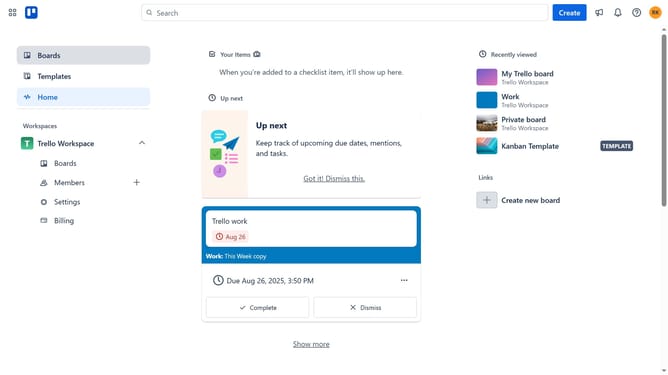
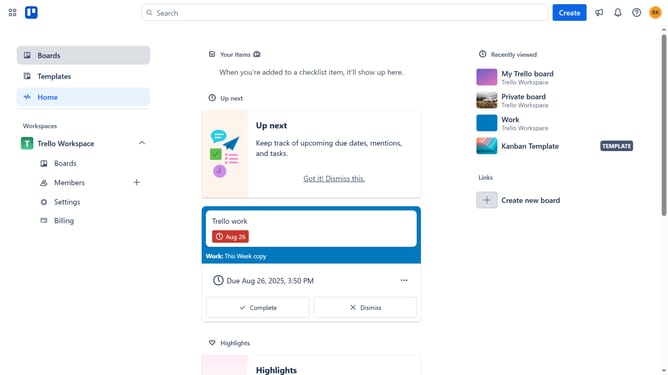
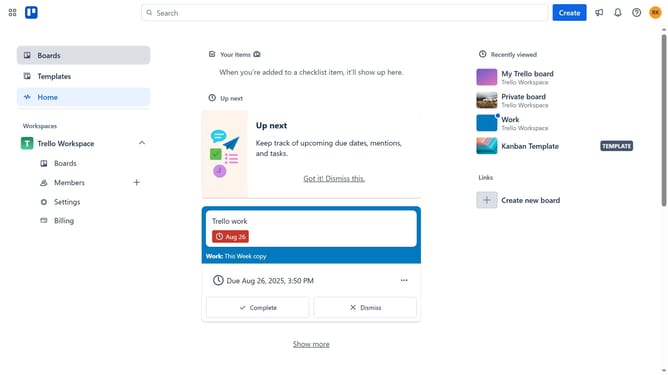
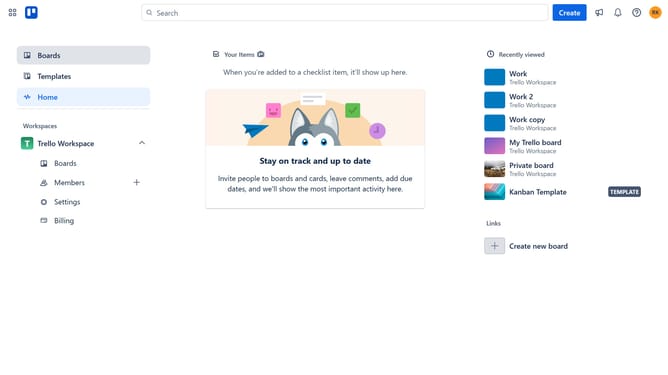
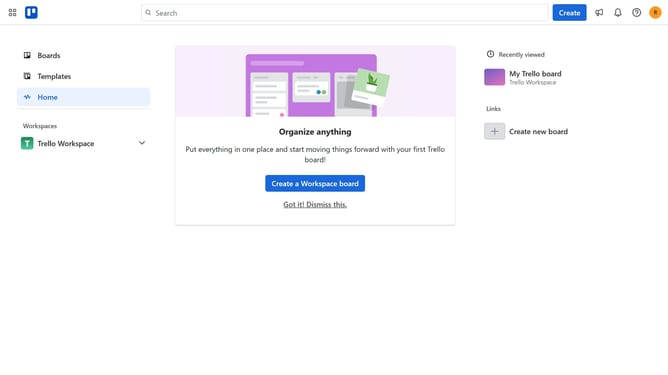
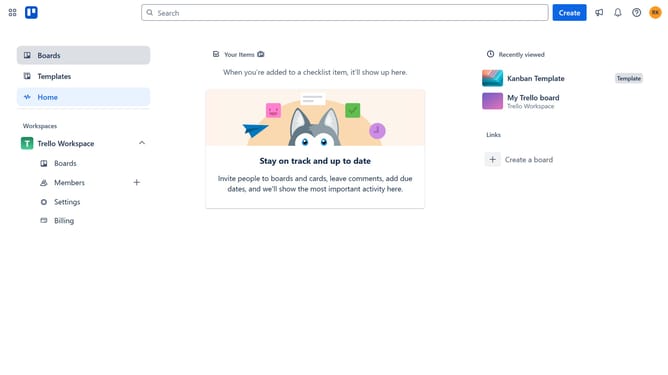
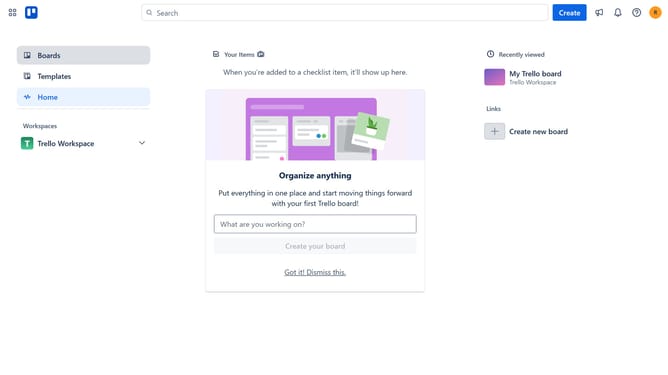
- First click on the "Boards" option in the left sidebar
- Then click a board in the workspace section
- Next click on the "More" (three dots) button in the top-right corner of the board
- Then click on the "Power-Ups" option in the dropdown menu
- Navigate to the "Developer tools" category in the left sidebar of the Power-Ups menu
- Click on the "Add" button under the Pomorello Power-Up
- Finally click the "Add" button in the Pomorello confirmation dialog to install it
Why should you add pomorello power-up in Trello
Trello is a versatile platform designed to streamline task management and facilitate seamless collaboration.
Integrating the Pomorello Power-Up into Trello enhances productivity by incorporating the renowned Pomodoro Technique directly into your workflow.
By breaking tasks into focused intervals, Pomorello helps you maintain concentration and optimize time management, boosting efficiency.
This feature empowers teams and individuals to achieve their goals by promoting disciplined work habits and reducing burnout.
Last update