How to add alerts by rung in Trello
Here is how to add alerts by rung in trello
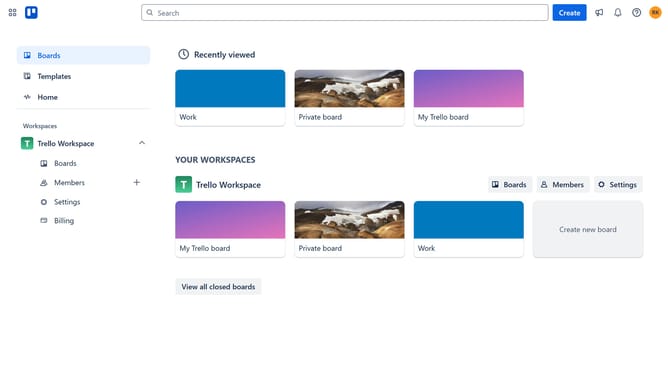
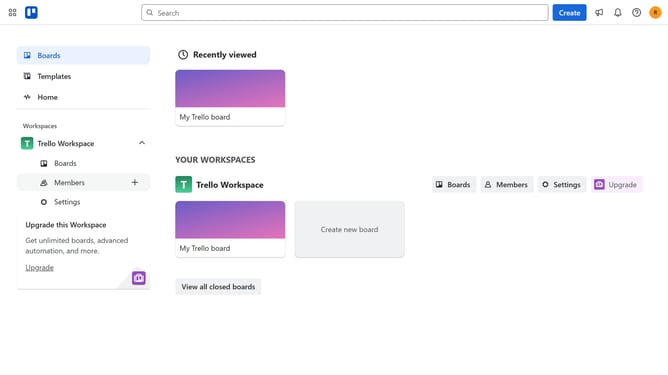
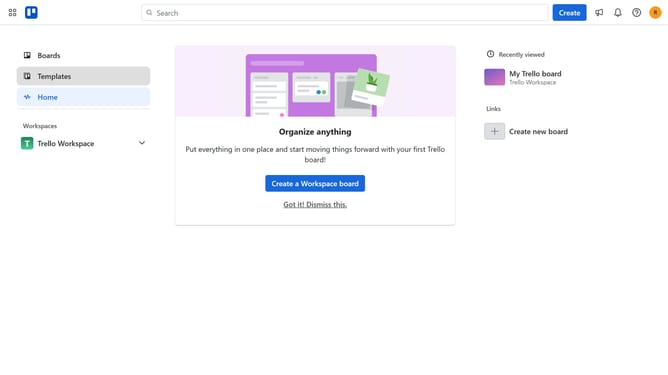
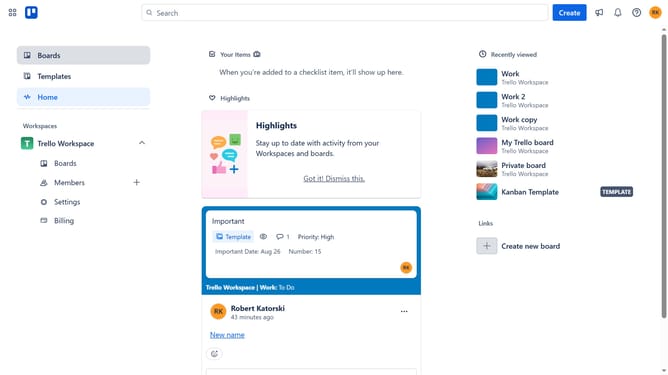
- First click on "Boards" in the left sidebar menu
- Then click a board in the workspace section
- Click the "More options" (three dots) button in the top-right corner of the board
- Select "Power-Ups" option from the dropdown menu
- Click on "Analytics & reporting" category in the Power-Ups menu
- Scroll to find "Alerts by Rung" Power-Up
- Click the "Add" button under the "Alerts by Rung" power-up
- Finally click the "Add" button in the confirmation dialog to install the Power-Up
Why should you add alerts by rung in Trello
Trello is a versatile project management tool designed to help teams organize tasks effortlessly.
Adding alerts by rung in Trello enhances your workflow by keeping you updated on crucial changes without constant checking. This feature ensures that important notifications are brought to your attention at the right time.
Using alerts by rung can significantly improve productivity by reducing the risk of missing deadlines or essential updates. It's a perfect way to stay on top of your tasks while focusing on other priorities.
Embrace alerts by rung in Trello to maintain seamless collaboration and keep everyone on the same page.
Last update