How to add card progress in Trello
Here is how to add card progress in trello
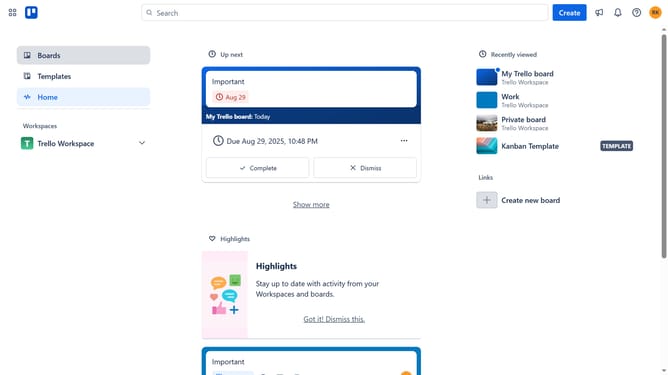
- First click on "Boards" in the left sidebar menu
- Then click a board in the workspace section
- Next click on the "..." (more) menu button in the top-right corner
- Select "Power-Ups" option from the dropdown menu
- Click on "Analytics & reporting" category in the Power-Ups menu
- Click "Add" under the Card Progress powerup
- Finally click "Add" button on the "Card Progress" Power-Up details page
Why should you add card progress in Trello
Trello is a dynamic project management tool designed to streamline collaborative teamwork.
Adding card progress in Trello is a valuable feature that enhances task visibility and team alignment. It allows users to easily track the status of specific tasks, offering a visual representation of completion stages directly on the card.
Using this feature helps teams keep projects on track by providing clear insights into which tasks need attention. This enhances communication and efficiency, ensuring everyone is on the same page towards achieving project goals.
Last update