How to add calendar power-up in Trello
Here is how to add calendar power-up in trello
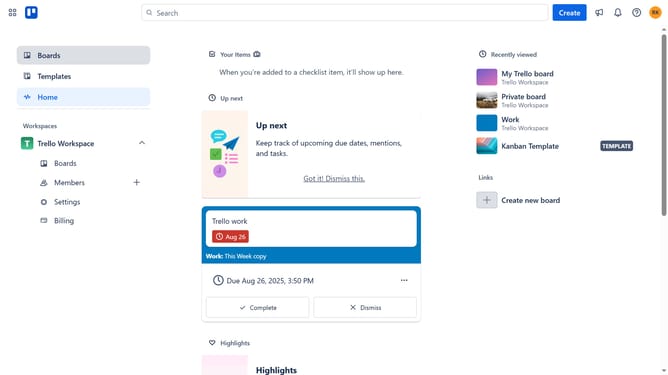
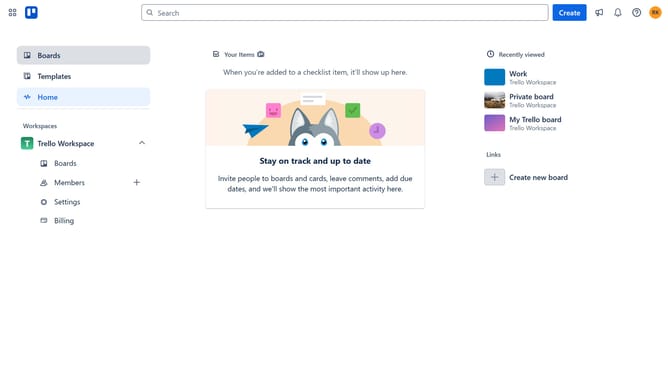
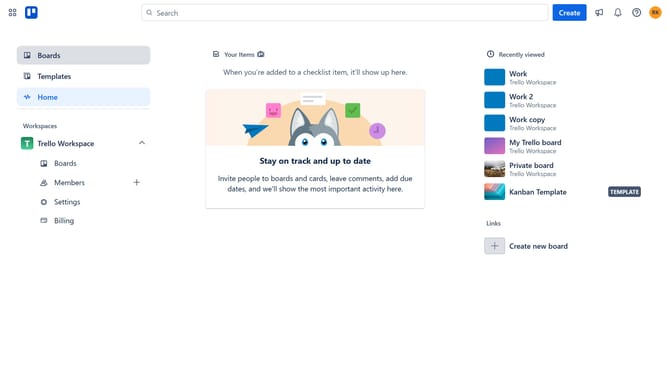
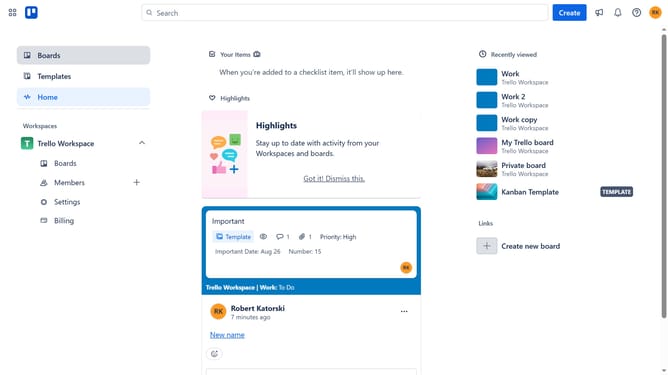
- First click on the "Boards" option in the left sidebar navigation
- Then click a board in the workspace section
- Next click the "More" menu button (three dots) in the top-right corner of the board
- Click on "Power-Ups" option from the dropdown menu
- Click "Board utilities" in the left side bar
- Finally click on the "Add" button under the "Calendar Power-up" to install it
Why should you add calendar power-up in Trello
Trello is an intuitive project management tool that helps you organize and prioritize your tasks seamlessly.
Integrating the calendar power-up in Trello enhances your workflow by visualizing deadlines and schedules effectively.
This feature offers an excellent way to manage time-sensitive tasks, ensuring you never miss a deadline.
Adding a calendar power-up transforms your board into a powerful visual timeline, optimizing productivity through better planning.
Last update