How to add effort field in Trello
Here is how to add effort field in trello
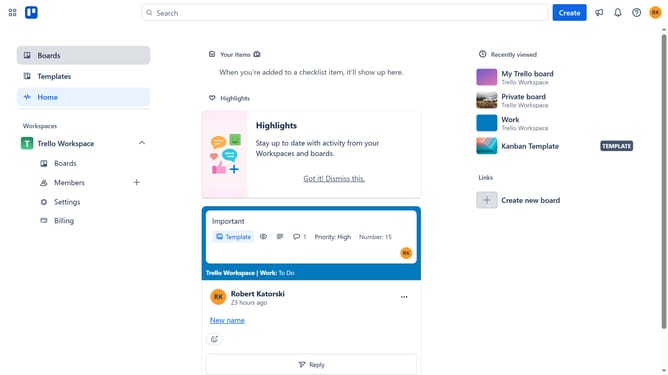
- First click on the "Boards" option in the left sidebar navigation
- Then click on the board where you want to add an effort field in the workspace section
- Click on the "More" menu (three dots) button in the top-right corner of the board
- Next click on "Custom Fields" option in the board menu
- Finally click the "Add" button next to the "Effort" suggested field
Why should you add effort field in Trello
Trello is a versatile, user-friendly project management tool designed to enhance team collaboration and productivity.
Adding an effort field in Trello allows team members to assign estimated effort to tasks, making project planning more efficient. It provides a clear understanding of workload distribution and enhances time management across projects.
This feature promotes transparency, enabling teams to better allocate resources and track progress effectively. By understanding effort levels, teams can anticipate challenges and optimize workflows, ultimately driving project success.
Last update