How to add unify labels power-up in Trello
Here is how to add unify labels power-up in trello
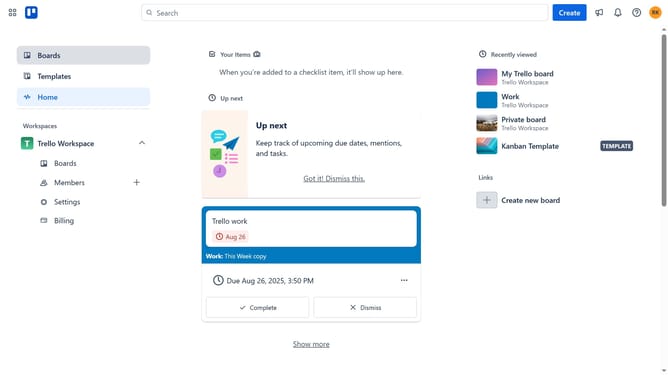
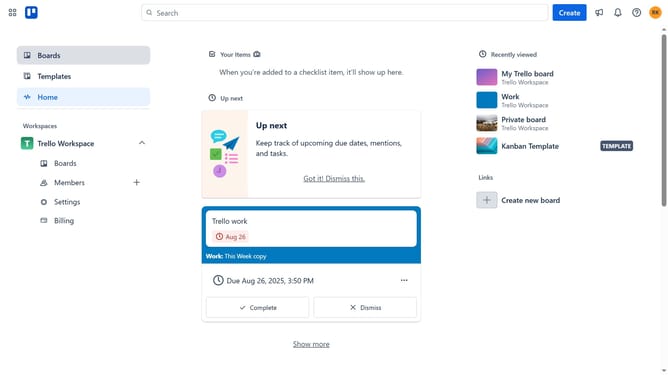
- First click on the "Boards" option in the left sidebar menu
- Next click a board in the workspace section
- Then click on the "More options" button (three dots) in the top right corner of the board
- In the dropdown menu, click on "Power-Ups" option
- Click on the "Automation" category in the left sidebar of the Power-Ups window
- Scroll down in the automation list
- Click the "Add" button under the "Unify Labels" option
- Finally click the "Add" button in the confirmation dialog to enable the Unify Labels Power-Up
Why should you add unify labels power-up in Trello
Trello is a versatile platform designed to streamline task management and enhance team collaboration through a simple, intuitive interface.
The Unify Labels Power-Up elevates this experience by allowing users to create a consistent labeling system across all Trello boards. This feature fosters organization, making it easier to navigate and prioritize tasks efficiently.
Additionally, it simplifies the process of visually categorizing tasks, enabling teams to quickly identify project statuses and workflows. By integrating the Unify Labels Power-Up, productivity is naturally enhanced, fostering a more cohesive work environment.
Last update