How to add slope calculator in Trello
Here is how to add slope calculator in trello
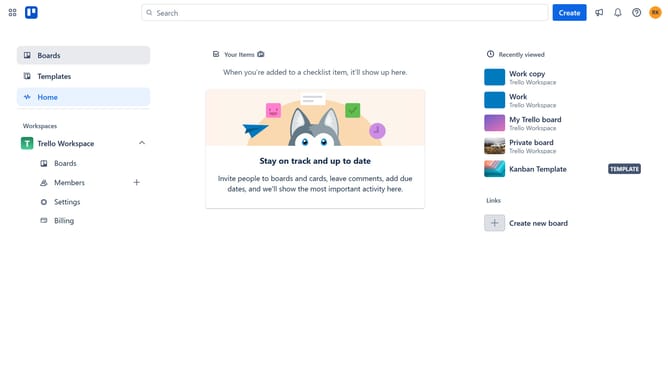
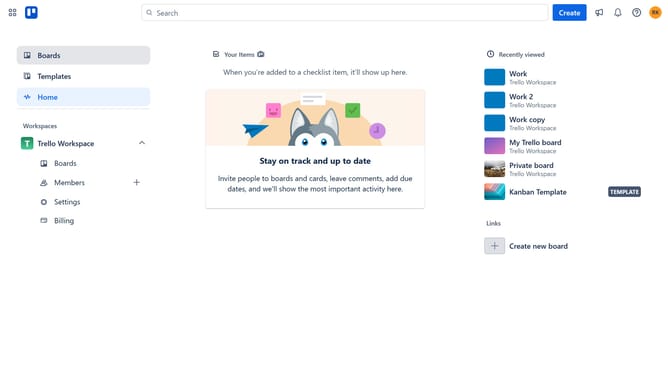
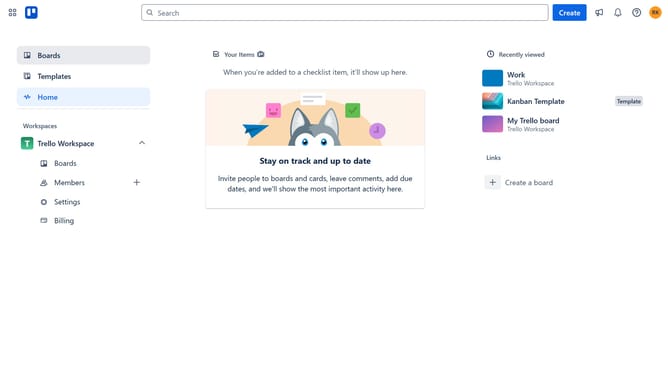
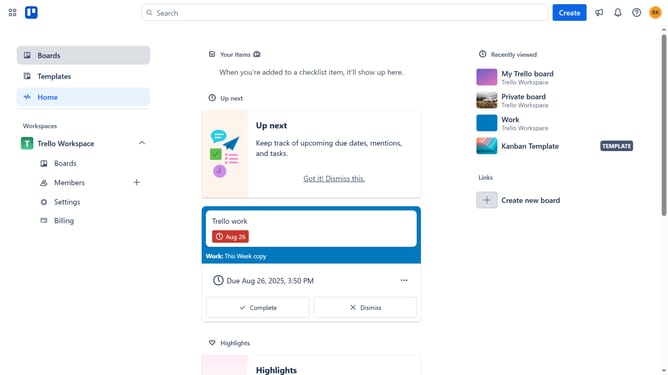
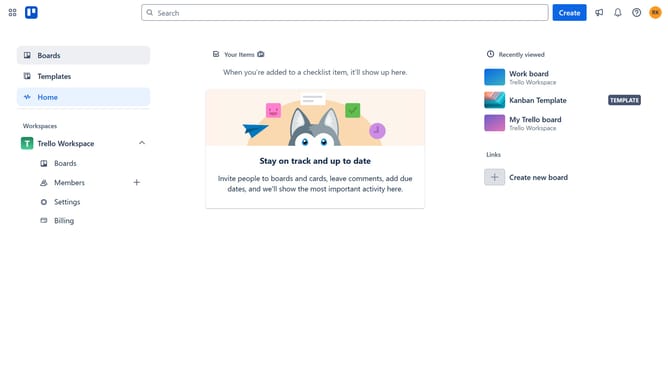
- First click on the "Boards" option in the left sidebar
- Then select a board from the workspace boards list
- Click on the three dots menu ("...") in the top-right corner of the board
- Select "Power-Ups" from the dropdown menu
- Click on "Analytics & reporting" category in the Power-Ups menu
- Scroll down to find the "Slope Calculator" power-up
- Click the "Add" button under the Slope Calculator power-up
- Finally click the "Add" button in the confirmation dialog to install the power-up
Why should you add slope calculator in Trello
Trello is an intuitive project management tool designed to streamline team collaboration and track progress visually.
Integrating a slope calculator in Trello enhances its functionality by allowing users to quickly assess task progress and trends. This feature is particularly beneficial for project managers who need a clear overview of project trajectories.
Incorporating the slope calculator fosters data-driven decision-making, helping teams allocate resources more efficiently and ensuring deadlines are met with precision.
Last update