How to add bulk edit and export pro power-up in Trello
Here is how to add bulk edit and export pro power-up in trello
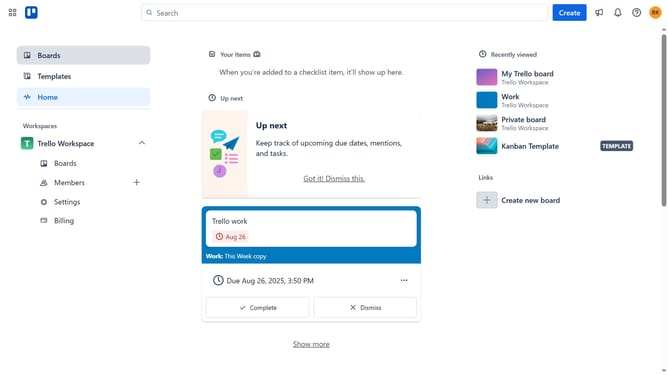
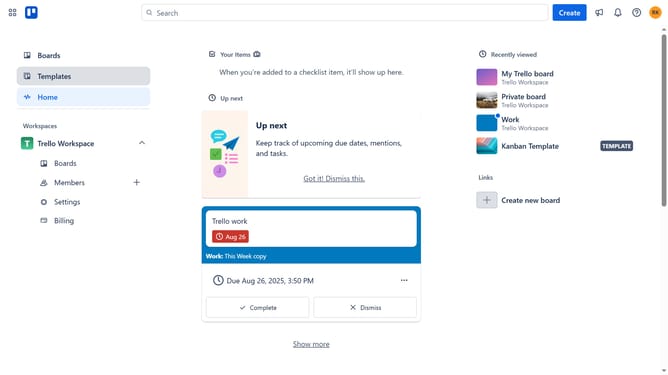
- First click on the "Boards" option in the left sidebar
- Then click a board in the main workspace area
- Click on the "More" menu (three dots) button in the top-right corner
- Select "Power-Ups" option from the dropdown menu
- Click on the "Automation" category in the left sidebar of Power-Ups window
- Scroll down in the automation list
- Click on "Bulk Edit and Export Pro" power-up card
- Finally click "Add" button in the confirmation dialog
Why should you add bulk edit and export pro power-up in Trello
Trello is a versatile project management tool designed to help organize and collaborate on tasks seamlessly.
By integrating the bulk edit and export pro power-up, Trello users can enhance their workflow efficiency immensely. This feature allows users to modify multiple cards at once, saving valuable time and reducing manual, repetitive tasks.
Additionally, it offers straightforward exporting functions that make data sharing and analysis easier. Leveraging this power-up is ideal for teams looking to streamline their project management processes and achieve higher productivity.
Last update