How to add pipedrive power-up in Trello
Here is how to add pipedrive power-up in trello
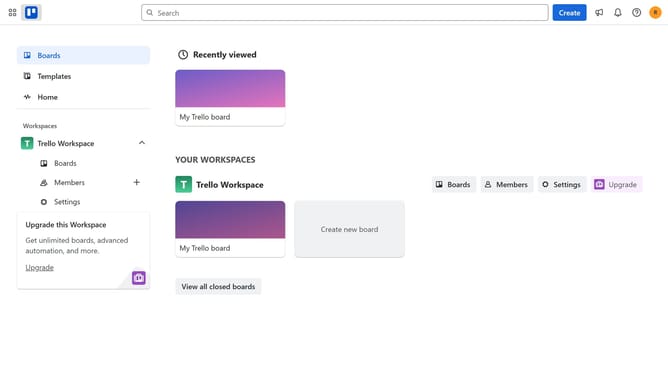
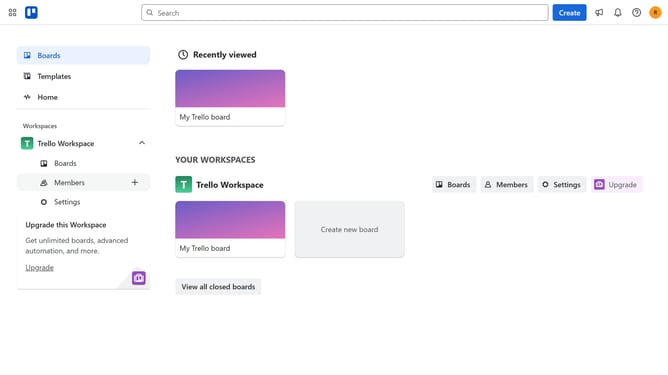
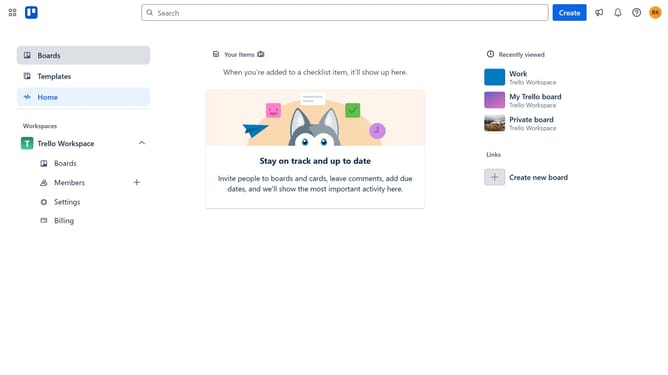
- First, click on the "Boards" item in the left sidebar
- Next click a board in the workspace area
- Then click on the "More" menu (three dots) button in the top right corner
- In the dropdown menu, click on the "Power-Ups" option
- Next, select the "HR & operations" category from the left sidebar
- Click the "Add" button under the "Pipedrive" power-up
- Finally, click the "Add" button for the Pipedrive Power-Up in the confirmation dialog to install it
Why should you add pipedrive power-up in Trello
Trello is a versatile project management tool that helps organize tasks into boards for a clearer workflow.
Adding the Pipedrive Power-Up to Trello integrates sales pipeline management directly into your project boards.
This feature allows you to monitor and manage deals seamlessly, linking sales activities directly to your project tasks.
By bridging Trello with Pipedrive, users can streamline sales tracking and enhance productivity while keeping all pertinent information in one accessible place.
Last update