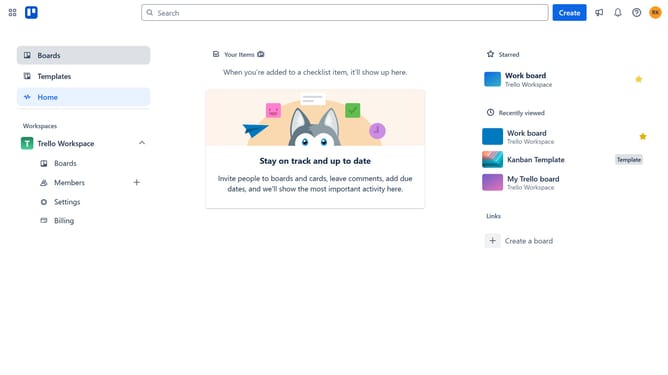
How to add advanced search power-up in Trello
Here is how to add advanced search power-up in trello
- First click on the "Boards" option in the left sidebar menu
- Then click a board in the main workspace area
- Click on the "..." (more options) button in the top-right corner of the board
- Click on "Power-Ups" option in the dropdown menu
- Click on "Board utilities" category in the left sidebar of the Power-Ups window
- Then click on the "Add" button under the "Advanced Search" power-up
- Finally click the "Add" button in the Advanced Search confirmation dialog to install it
Why should you add advanced search power-up in Trello
Trello, a powerful collaboration tool, streamlines workflow management and enhances team productivity.
Boosting Trello’s capabilities with the advanced search power-up allows users to efficiently retrieve specific cards across boards, saving invaluable time and effort.
This feature offers nuanced search filters, ensuring that locating tasks, notes, or projects becomes effortless, leading to greater project clarity and focus.
Last update