How to add user testing power-up in Trello
Here is how to add user testing power-up in trello
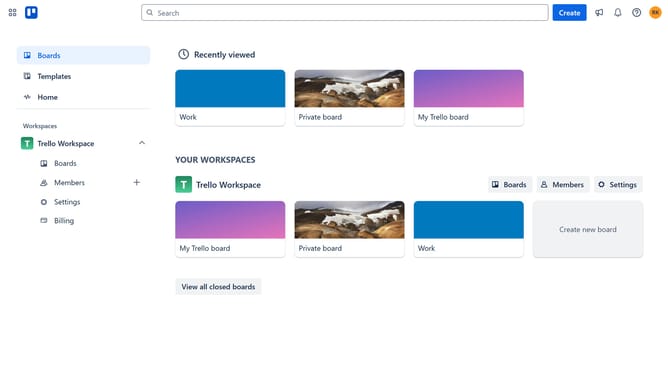
- First click on the "Boards" option in the left sidebar
- Next click a board in the workspace area
- Then click on the menu "..." button in the top right corner
- In the menu, click on the "Power-Ups" option
- Next select "Communication & collaboration" category from the left sidebar
- Then click on the "Add" button under the "UserTesting" power-up
- Finally click the "Add" button on the UserTesting Power-Up confirmation dialog to install it
Why should you add user testing power-up in Trello
Trello is a versatile project management tool designed to help teams collaborate and stay organized.
By adding the user testing power-up in Trello, you can seamlessly integrate feedback and real-time insights from users directly into your workflow.
This feature enhances your ability to track testing phases, prioritize feedback, and make data-driven decisions, ultimately improving the user experience of your project.
Leverage this power-up to maintain a structured approach to user testing, ensuring your team is aligned and productive.
Last update