How to move a list in Trello
Here is how to move a list in trello
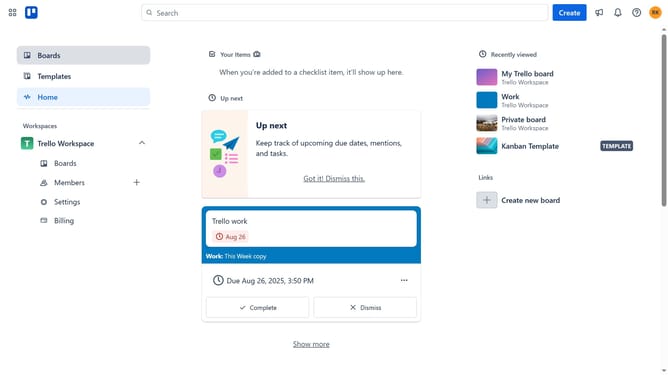
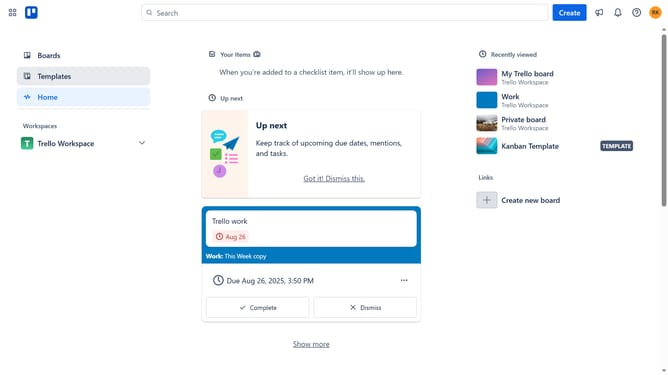
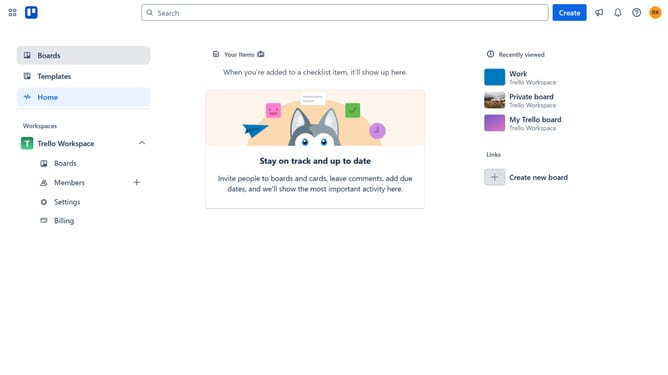
- First click on the "Boards" option in the left sidebar menu
- Then click a board in the workspace section
- Next click on the three dots menu ("...") in the header of the list you want to copy
- Then select "Move list" from the dropdown menu
- Click on the board selection dropdown to open the list of available boards
- Select the board you want to move the list from the board options dropdown
- Click on the position dropdown menu
- Click on the desired position for the list you want to move from the position dropdown menu
- Finally click the "Move" button to complete the list transfer
Why should you move a list in Trello
Trello is a dynamic tool designed to elevate your project management process with visual efficiency and collaboration.
One of Trello's key features is the ability to move lists effortlessly. This functionality allows you to adapt to changes swiftly, ensuring that you keep your project flow organized and aligned with your priorities.
By seamlessly repositioning lists, users can optimize workflows, delegating tasks with greater precision and agility. This promotes an adaptable environment, making it easier to focus on achieving your objectives without hindrance.
Last update