How change list color in Trello
Here is how change list color in trello
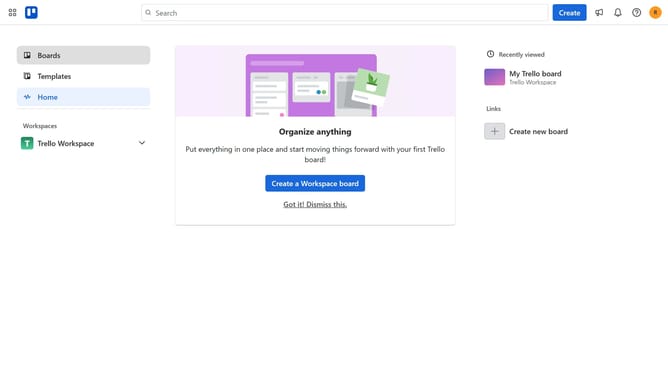
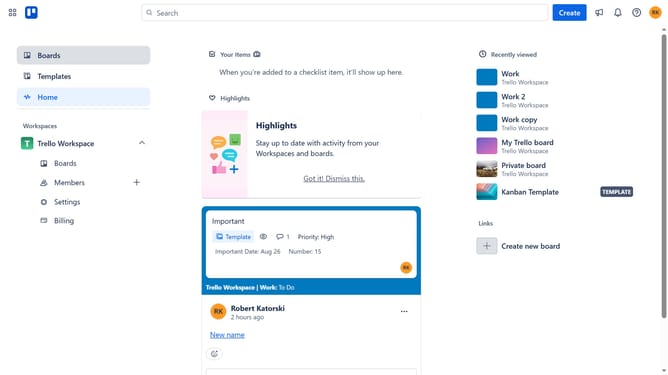
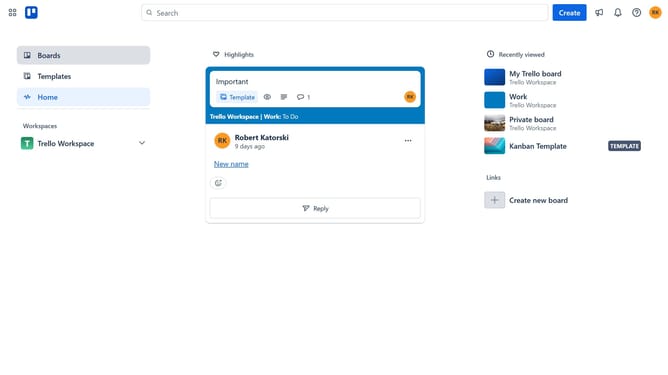
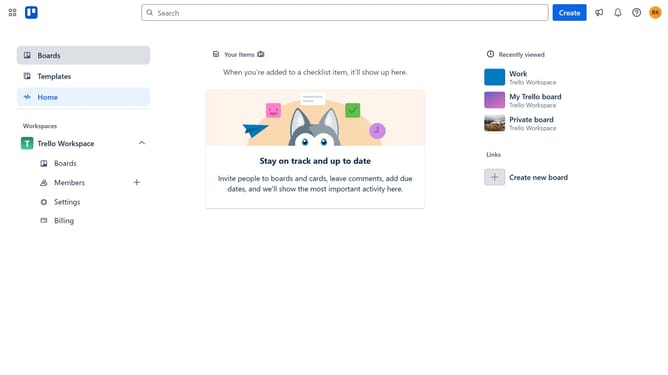
- First click on the "Boards" link in the left sidebar menu
- Then click a card in the workspace boards section
- Next click on the "..." (more options) button next to the name of the list you want change the color
- Finally select your preferred color under the "Change list color" section from the menu list actions popup
Why should you How change list color in Trello
Trello is a versatile project management tool that helps organize tasks in a visual and collaborative way.
One of Trello's delightful features is the ability to change the list color, adding a splash of personalization and productivity to your boards.
Changing list colors can significantly enhance visual organization, making it easier to distinguish between different projects or categories at a glance.
This simple visual tweak can boost team cohesion and efficiency, enabling users to quickly recognize key tasks and priorities. Experience clearer communication through color-coded clarity.
Last update