How to add connectohub power-up in Trello
Here is how to add connectohub power-up in trello
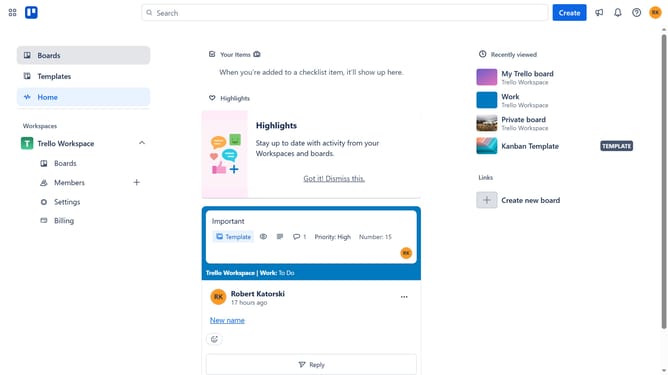
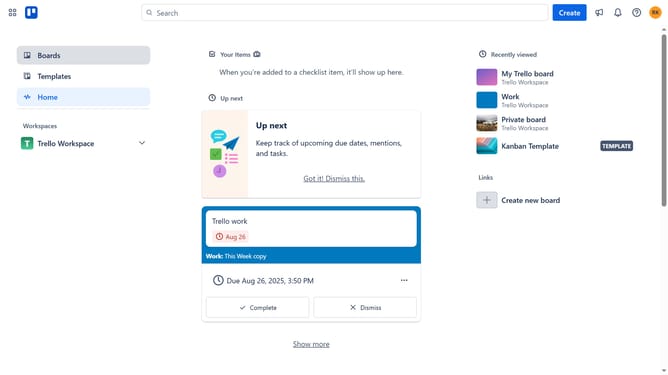
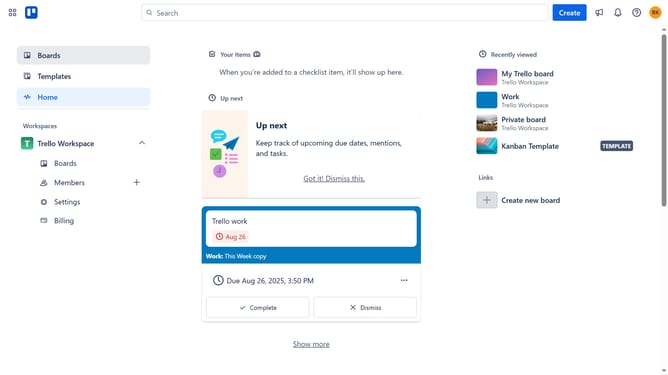
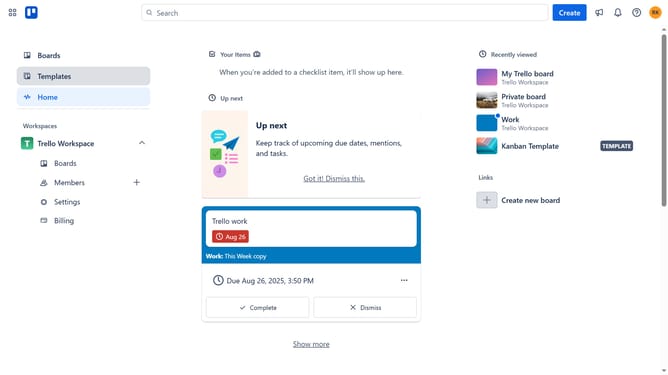
- First click on the "Boards" option in the left sidebar menu
- Then click a board tile in the workspace section
- Next click on the "more options" (three dots) button in the top-right corner of the board
- Then click on "Power-Ups" option in the dropdown menu
- Next click on the "HR & operations" category in the left sidebar of the Power-Ups window
- Then click on the "Add" button for the ConectoHub Power-Up
- Finally click on the "Add" button in the ConectoHub confirmation dialog
Why should you add connectohub power-up in Trello
Trello is a dynamic organizational tool that elevates project management through intuitive boards and cards.
Integrating the Connectohub Power-Up into Trello introduces a new dimension of seamless connectivity and enhanced functionality.
By adding this feature, users can effortlessly combine their project management needs with additional tools, magnifying efficiency and streamlining workflows.
Utilizing the Connectohub Power-Up transforms simple task management into a comprehensive solution, fostering productivity and time-saving advantages.
Last update