How to restore a list in Trello
Here is how to restore a list in trello
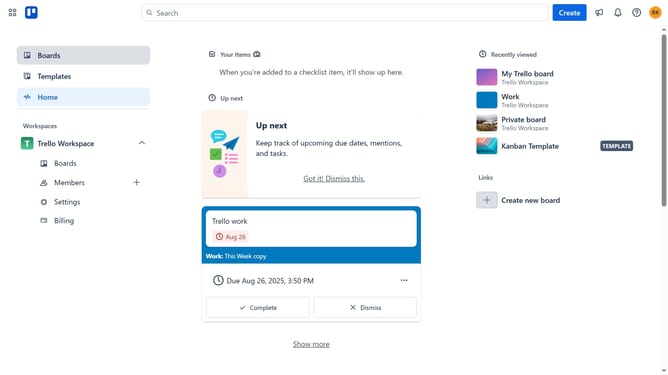
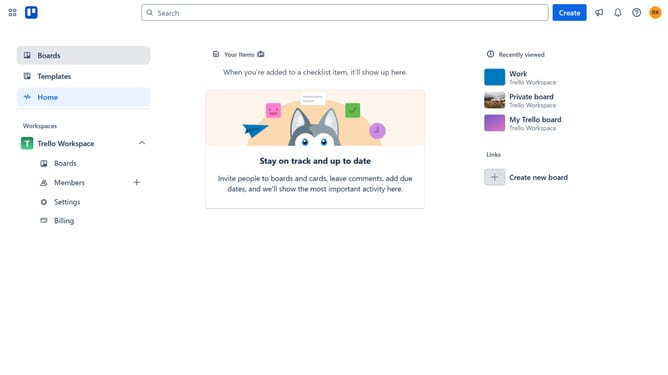
- First click on the "Boards" option in the left sidebar
- Then click a board in the workspace area
- Next click on the "more options" button (three dots) in the board header
- Then scroll down in the menu settings
- Next click on "Archived items" option in the board menu
- Finally click on the "Restore" link under the list you want to restore in the archived items panel
Why should you restore a list in Trello
Trello is a versatile tool designed to streamline project management and collaboration.
One of Trello's valuable features is the ability to restore lists, providing peace of mind when accidental deletions occur.
Restoring a list in Trello ensures that vital information and tasks are not lost, keeping projects on track.
This feature supports efficient team workflows, minimizing disruptions and maintaining productivity.
Last update