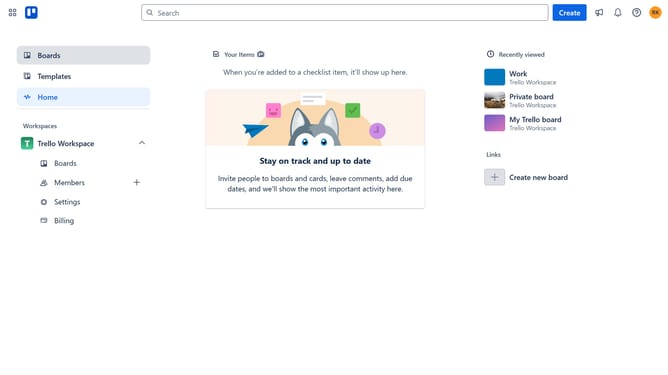
How to add freshdesk in Trello
Here is how to add freshdesk in trello
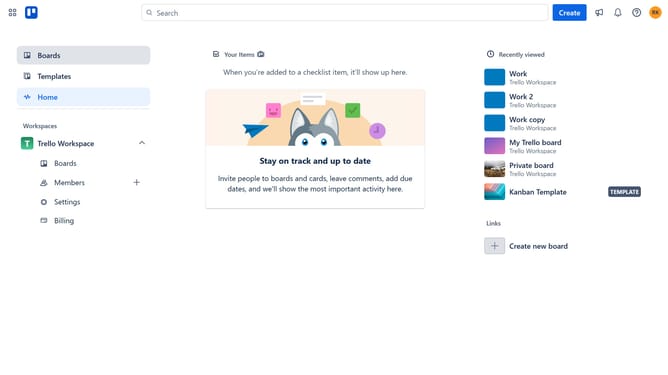
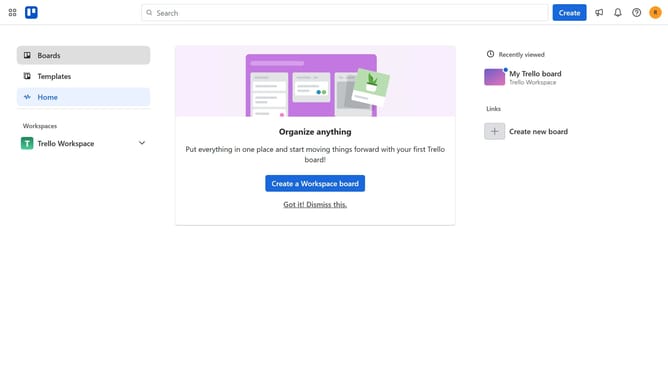
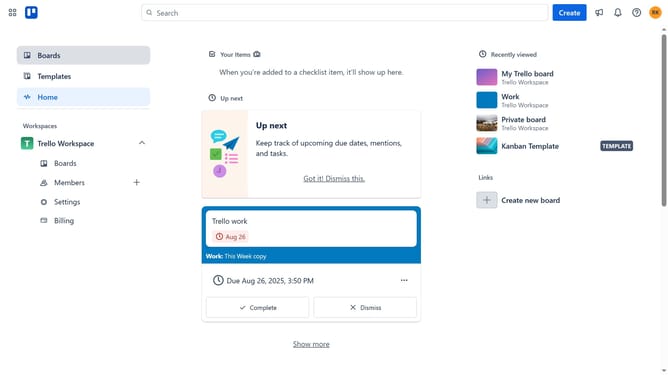
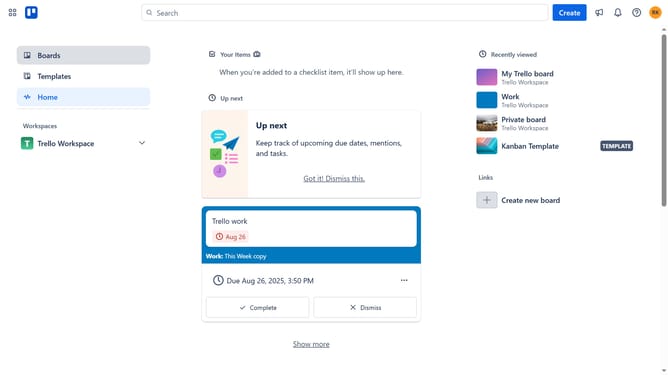
- First click on the "Boards" option in the left sidebar
- Then click a board in the workspace section
- Next click on the "More" menu button (three dots) in the top-right corner of the board
- In the dropdown menu, click on the "Power-Ups" option
- Scroll down in the power-ups list
- Select the "IT & project management" category from the left sidebar
- Click the "Add" button under the Freshdesk Power-Up
- Finally, click the "Add" button in the confirmation dialog to complete the Freshdesk Power-Up installation
Why should you add freshdesk in Trello
Trello is a dynamic project management tool designed to streamline task organization and enhance productivity.
By integrating Freshdesk into Trello, users can seamlessly manage customer support tickets within their project boards.
This feature allows for efficient tracking and collaboration, ensuring that team members can easily access and address customer issues directly from Trello cards.
The integration not only boosts response times but also fosters improved communication, leading to more satisfied clients and a more organized workflow.
Last update