How to add reports by blue cat in Trello
Here is how to add reports by blue cat in trello
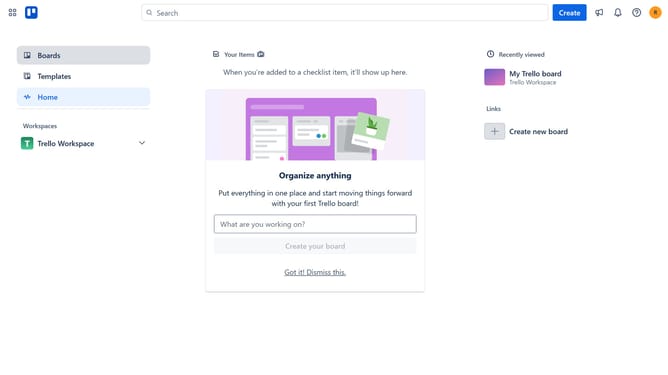
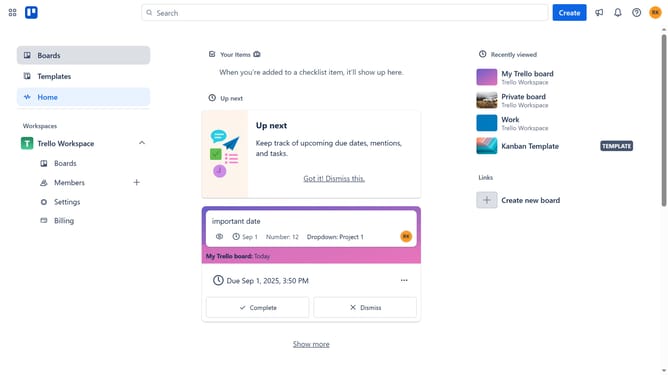
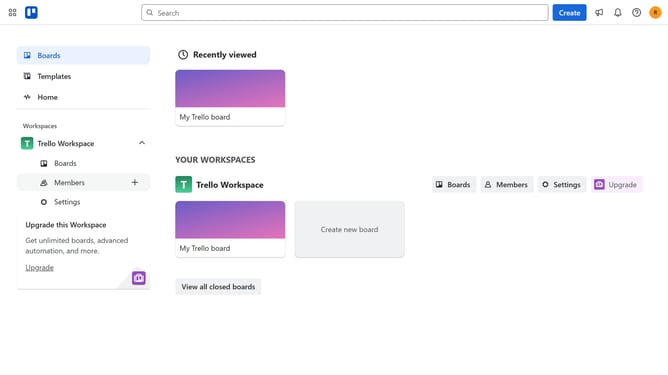
- First click on the "Boards" option in the left sidebar
- Then click a board in the workspace section
- Next click on the "More" menu (three dots) button in the top-right corner of the board
- Then click on the "Power-Ups" option in the dropdown menu
- Next click on the "Analytics & reporting" category in the Power-Ups menu
- Then scroll down in the Power-Ups window using the scrollbar on the right
- Next click the "Add" button under "Reports by Blue Cat"
- Finally click the "Add" button to add the selected Power-Up
Why should you add reports by blue cat in Trello
Trello is a dynamic collaboration tool designed to organize projects into visually engaging boards.
Adding reports by Blue Cat in Trello transforms raw data into insightful visual reports, streamlining project management.
This feature enhances your team's productivity by offering clear, concise visual reports, making data interpretation straightforward and effective.
Utilizing Blue Cat reports leads to informed decision-making and efficient resource allocation, ultimately boosting project success.
Last update