How to add slas power-up in Trello
Here is how to add slas power-up in trello
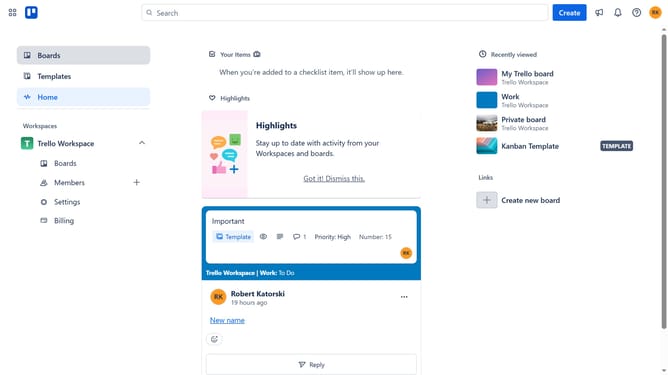
- First click on the "Boards" option in the left sidebar
- Then click a board in the workspace section
- Next click on the menu button ("...") in the top-right corner of the board
- Then click on "Power-Ups" option in the dropdown menu
- Next click on "Automation" category in the left sidebar of Power-Ups window
- Then scroll down in the automation list
- Next click on "Add" button for the SLAs for Trello Power-Up
- Finally click on "Add" button in the confirmation dialog to install the Power-Up
Why should you add slas power-up in Trello
Trello is a versatile tool designed to organize tasks and streamline collaboration effortlessly.
Adding the SLAs (Service Level Agreements) power-up to Trello brings enhanced visibility and control over deadlines. This feature ensures tasks are completed on time, improving productivity and accountability.
Using SLAs in Trello allows teams to set clear expectations and monitor progress, fostering a more efficient workflow environment.
With SLAs, staying on track becomes intuitive, helping teams meet goals with greater precision and reliability.
Last update