How to add gmail by cardbox in Trello
Here is how to add gmail by cardbox in trello
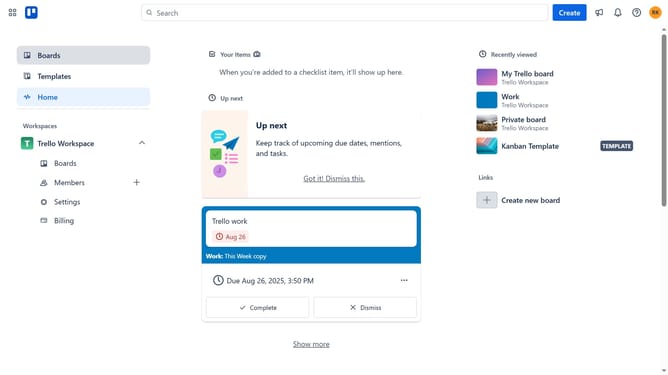
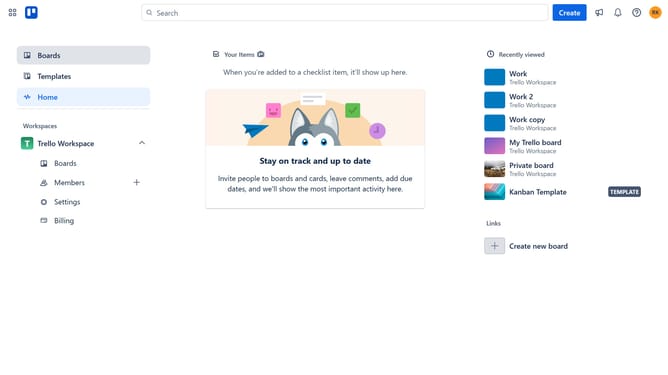
- First click on the "Boards" option in the left sidebar menu
- Then click a board in the workspace area
- Click on the "More" menu button (three dots) in the top-right corner of the board
- Select "Power-Ups" option from the dropdown menu
- In the Power-Ups menu, click on "Communication & collaboration" category in the left sidebar
- Click on the "Add" button under "Gmail by Cardbox" power-up
- Finally click the "Add" button in the confirmation dialog to install the Gmail by Cardbox power-up
Why should you add gmail by cardbox in Trello
Trello is a versatile project management tool that organizes tasks into boards, making teamwork seamless and efficient.
Adding Gmail by Cardbox to Trello enhances your workflow by allowing seamless integration of email tasks directly into your project boards.
This feature keeps all your important communication in one place, ensuring nothing slips through the cracks, and streamlining task management.
By centralizing your email tasks, you boost productivity, improve organization, and ensure timely responses, all within Trello's intuitive interface.
Last update