How to filter cards assigned to you in Trello
Here is how to filter cards assigned to you in trello
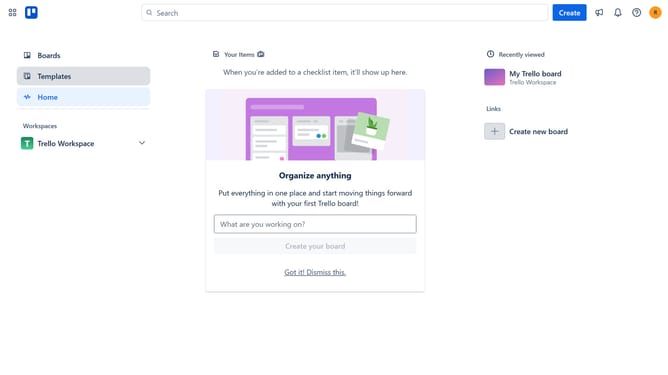
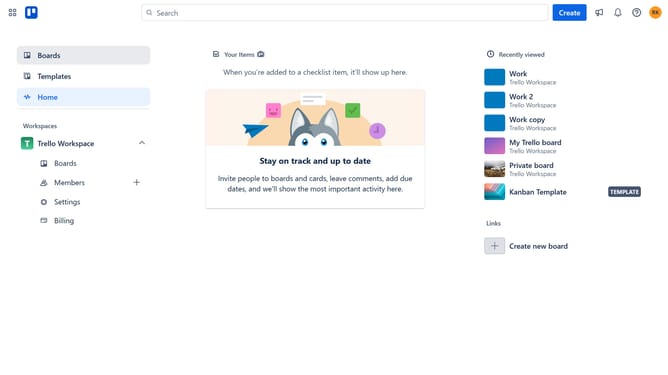
- First click on "Boards" in the left sidebar menu
- Then click a in the workspace boards section
- Next click on the "Filter" icon in the board's top menu bar
- Finally click the checkbox next to your name in the filter options to see all cards assigned to you
Why should you filter cards assigned to you in Trello
Trello is a versatile tool designed to streamline project management through its intuitive card system.
One of Trello's standout features is the ability to filter cards assigned specifically to you. By focusing only on your designated tasks, you can prioritize your workload efficiently and eliminate unnecessary distractions.
This feature enhances productivity by allowing you to concentrate on what's most important to you, ensuring critical deadlines are met without the overwhelm of multitasking.
Ultimately, filtering cards in Trello helps maintain focus and clarity in your work process.
Last update