How to add tablefy power-up in Trello
Here is how to add tablefy power-up in trello
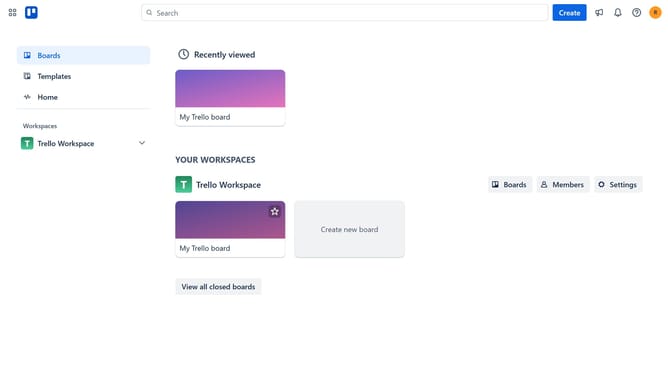
- First click on the "Boards" option in the left sidebar
- Then click a board in the workspace section
- Next click on the board options menu ("..." button) in the top right corner
- Select "Power-Ups" option from the dropdown menu
- Click on "Automation" category in the left sidebar of the Power-Ups window
- Click the "Add" button under the Tablefy Power-Up option
- Finally click the "Add" button to install the Tablefy Power-Up
Why should you add tablefy power-up in Trello
Trello is a dynamic project management tool designed to boost productivity through intuitive boards, lists, and cards.
The Tablefy Power-Up enhances Trello by allowing users to transform card data into a powerful table view for a more structured overview. This feature is a favorite for those who love visual clarity and the ease of monitoring data trends across projects.
Integrating Tablefy into Trello aids in simplifying complex project tracking and enhances data organization, making collaboration across teams smoother and efficient.
Last update