How to add droplr power-up in Trello
Here is how to add droplr power-up in trello
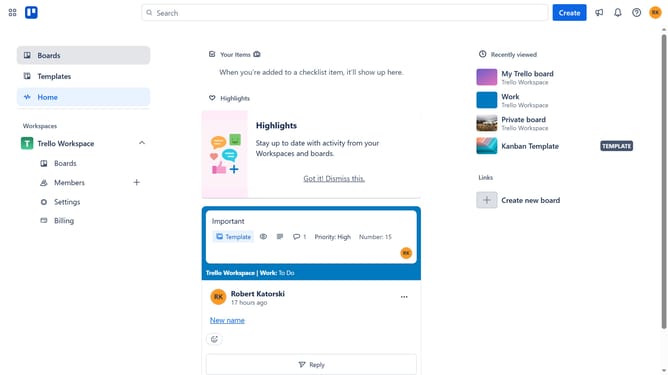
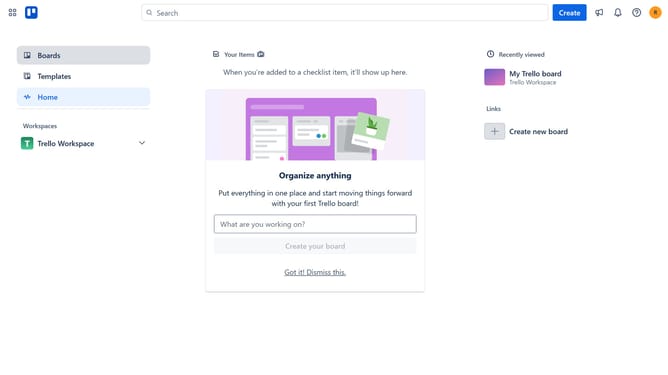
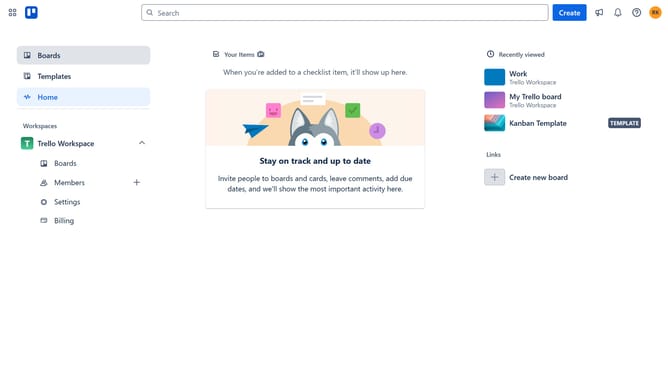
- First, click on the "Boards" option in the left sidebar menu
- Then click a board in the workspace section
- Next click on the "More" menu button (three dots) in the top-right corner of the board
- Then select "Power-Ups" option from the dropdown menu
- In the Power-Ups window, click on the "Developer tools" category in the left sidebar
- Then click on the "Add" button under the Droplr power-up
- Finally click on the "Add" button in the Droplr confirmation dialog to install it
Why should you add droplr power-up in Trello
Trello is your go-to tool for seamless project management and collaboration, making team tasks a breeze.
Integrating the Droplr power-up into Trello enhances your workflow by enabling effortless file sharing and communication. With Droplr, you can share files directly within Trello, streamlining project discussions and keeping everything organized.
This powerful combination keeps your team aligned and boosts productivity, as it consolidates essential tools into one platform, eliminating the chaos of juggling multiple apps.
Last update