How to add invision power-up in Trello
Here is how to add invision power-up in trello
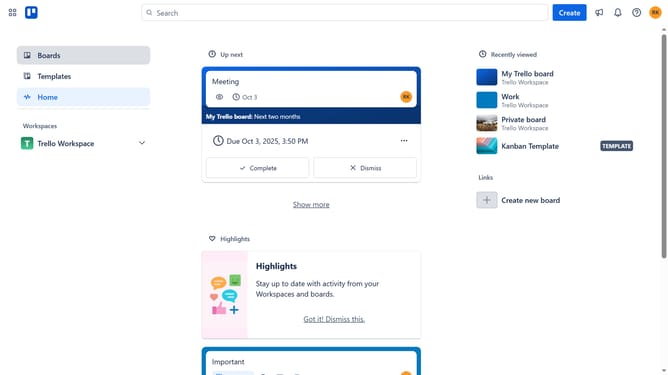
- First click on the "Boards" option in the left sidebar navigation
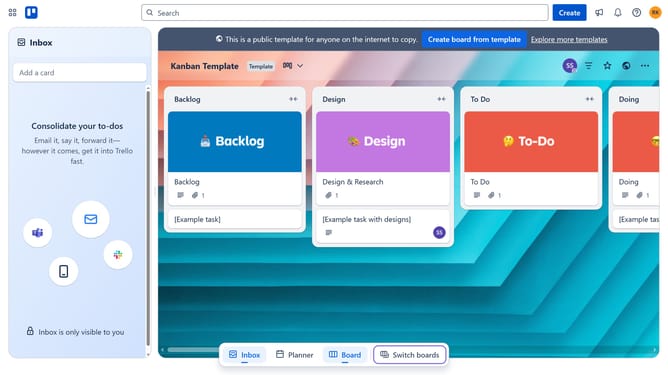
- Then click a board in the workspace area
- Next click on the "More options" button (three dots) in the top-right corner of the board
- Then select "Power-Ups" option from the dropdown menu
- Next click on "Communication & collaboration" category in the left sidebar of Power-Ups window
- Scroll down to find and click "Add" button for InVision Power-Up
- Click the "Add" button under the "InVision" power-up
- Finally click the "Add" button to enable the InVision Power-Up in the confirmation dialog page to install it
Why should you add invision power-up in Trello
Trello is a versatile tool empowering teams to organize tasks and collaborate in a visually engaging way.
Integrating the InVision Power-Up into Trello amplifies your team's productivity by creating a seamless connection between task management and design collaboration.
This feature allows teams to easily incorporate and review interactive prototypes directly within their Trello boards, enhancing feedback loops and accelerating project workflows.
By using InVision within Trello, teams enjoy a centralized location for design discussions, streamlining processes and driving efficient project completion.
Last update