How to add employee handbook by hipporello in Trello
Here is how to add employee handbook by hipporello in trello
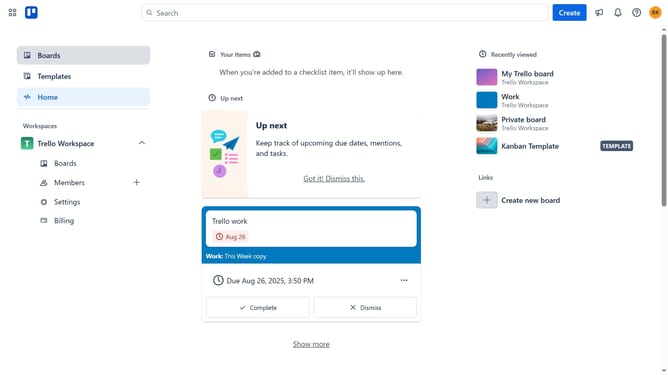
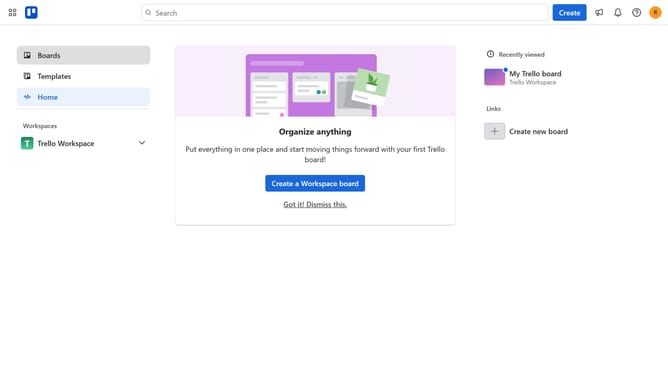
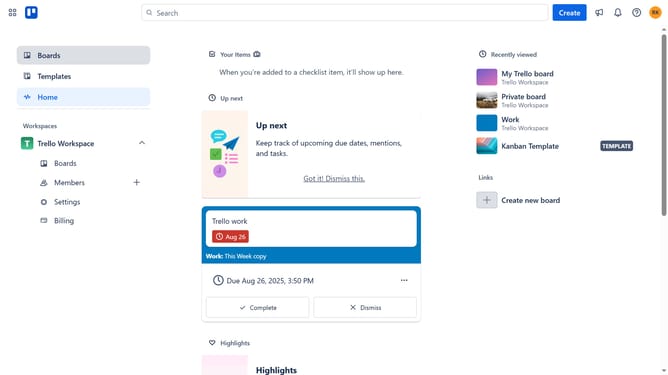
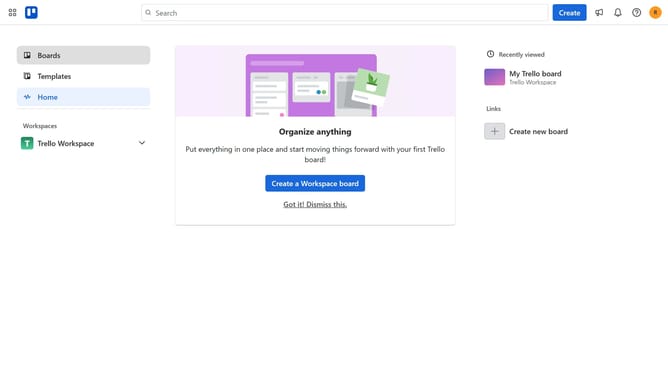
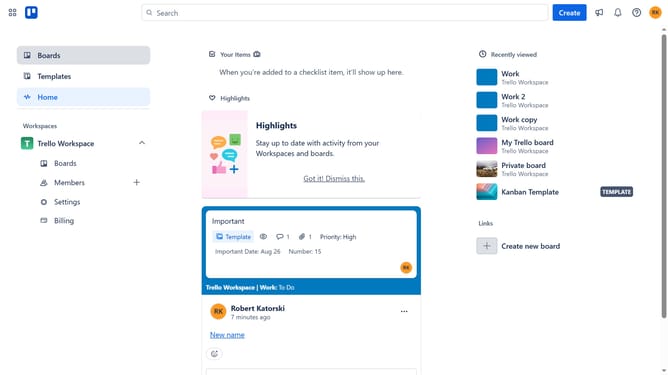
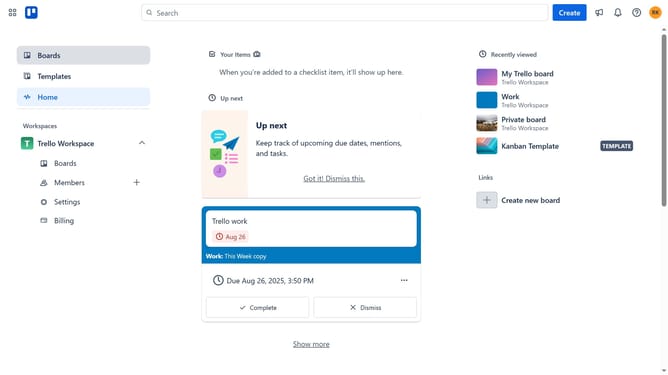
- First click on the "Boards" option in the left sidebar
- Then click the add button in the workspace section
- Click on the "More" (three dots) button in the top-right corner of the board
- Select "Power-Ups" option from the dropdown menu
- In the Power-Ups menu, click on the "HR & operations" category in the left sidebar
- Click on the "Add" button for the Employee Handbook by Hipporello power-up
- Finally click the "Add" button in the confirmation dialog to install the power-up
Why should you add employee handbook by hipporello in Trello
Trello is a versatile project management tool designed to streamline team collaboration and task organization.
Adding an employee handbook by Hipporello in Trello allows you to integrate essential HR policies into your workflow seamlessly. This feature enhances accessibility for team members, ensuring they remain informed of company guidelines directly within their work environment.
Incorporating this handbook into Trello not only aids in maintaining a consistent onboarding experience but also promotes clarity and transparency, benefiting overall team efficiency and cohesion.
Last update