How to add reordable label power-up in Trello
Here is how to add reordable label power-up in trello
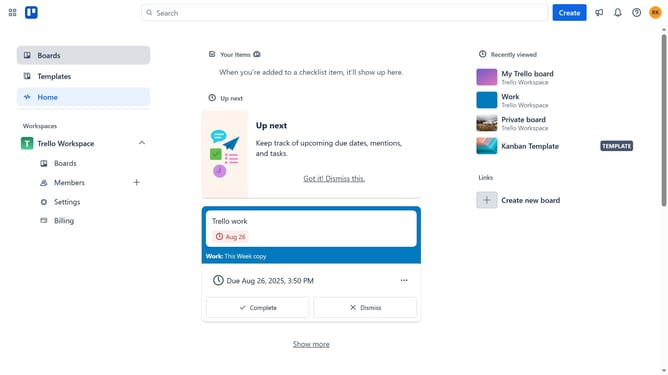
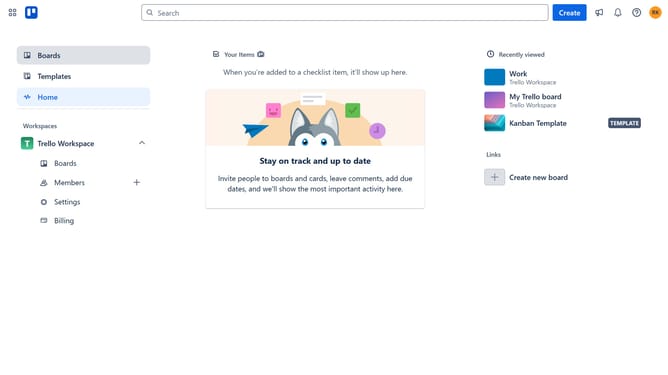
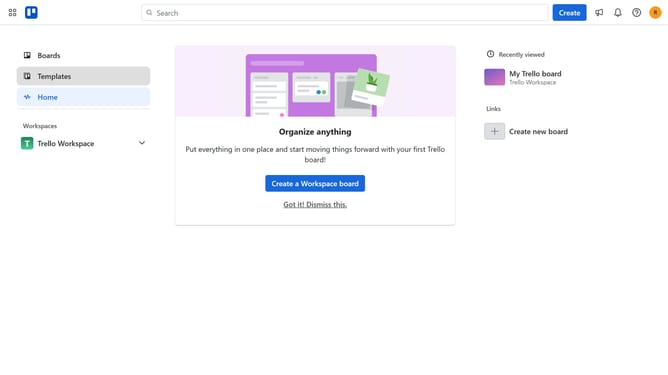
- First click on the "Boards" option in the left sidebar menu
- Then click a board in the workspace section
- Click on the "More" menu button (three dots) in the top-right corner of the board
- Select "Power-Ups" option from the dropdown menu
- Click on "Communication & collaboration" category in the left sidebar of Power-Ups window
- Scroll down in the communication & collaboration list
- Click on the "Add" button for the "Reorder(able) Labels" Power-Up
- Finally click the "Add" button in the confirmation dialog to install the Power-Up
Why should you add reordable label power-up in Trello
Trello is a dynamic project management tool designed to streamline team collaboration and organization.
The reorderable label power-up in Trello enhances task management by allowing users to prioritize labels effortlessly, fostering clearer task categorization and more effective workload tracking.
This feature supports users in maintaining an organized board, facilitating swift adjustments as priorities shift, and promoting flexibility.
Using reorderable labels ensures teams stay aligned, enhancing productivity and clarity across projects with ease.
Last update