How to remove a due date from a card in Trello
Here is how to remove a due date from a card in trello
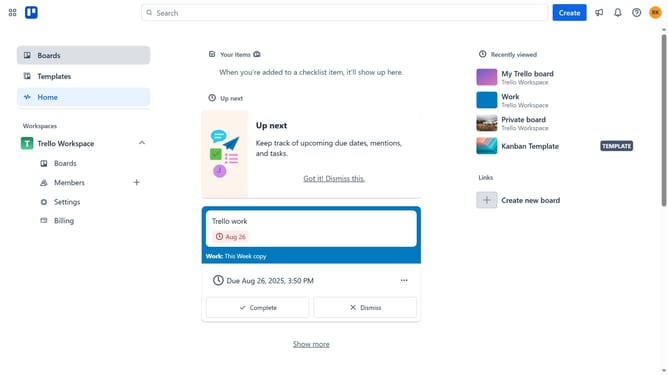
- First click on the "Boards" option in the left sidebar
- Then click on the board that has a card you want to remove the due date from in the workspace boards list
- Next click on the card you want to remove the due date
- Then click on the due date dropdown to open up the date settings
- Finally click the "Remove" button to delete the due date
Why should you remove a due date from a card in Trello
Trello is a versatile project management tool designed for seamless collaboration and task organization.
Removing a due date from a card in Trello is a straightforward feature that provides flexibility in managing your projects. This capability allows users to adapt to evolving project timelines without the pressure of an imminent deadline.
By removing due dates, teams can focus on task quality and prioritize effectively, enhancing productivity and workflow efficiency. It's an ideal feature for dynamic projects where priorities shift frequently.
Last update