How to rename custom fields in Trello
Here is how to rename custom fields in trello
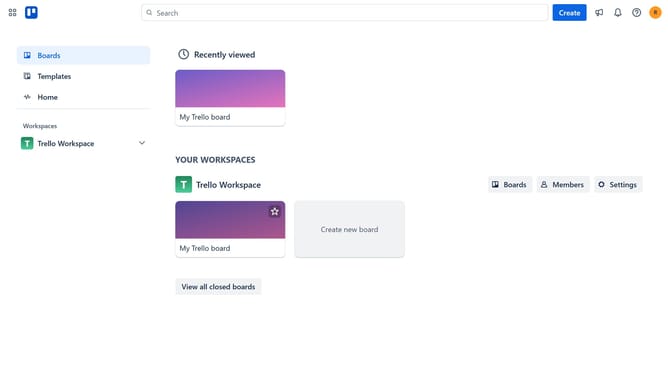
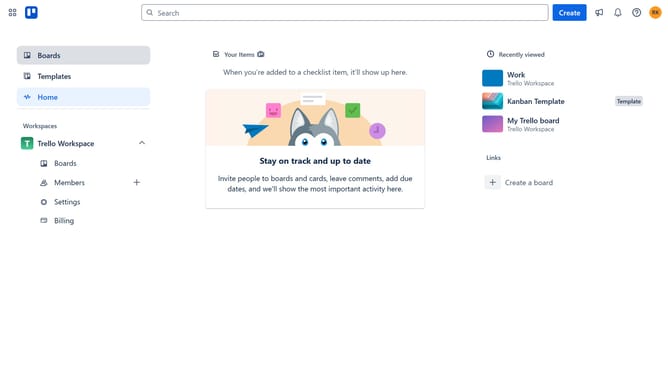
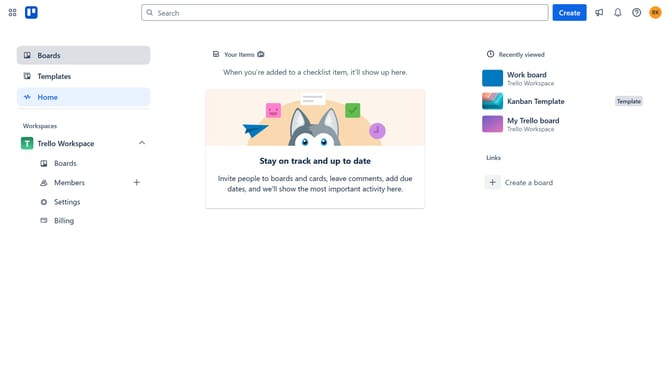
- First click on the "Boards" item in the left sidebar
- Click on the board tile where you want to rename a custom field in the workspace section
- Click on the three dots menu ("...") button in the top-right corner of the board
- Select "Custom Fields" option from the dropdown menu
- Click on the field you want to rename from the Custom Fields panel
- Click inside the "Title" textbox in the Rename Field dialog
- Clear the existing text in the "Title" field
- Type in the new name for the custom field
- Finally click the back arrow button to return to the Custom Fields panel your changes will be saved automatically
Why should you rename custom fields in Trello
Trello is a versatile project management tool designed to streamline workflows and boost productivity.
Renaming custom fields in Trello is a powerful feature that allows you to tailor your workspace and align it distinctly with your project's unique needs.
This flexibility ensures clarity and precision, making tasks easier to track and manage, enhancing team collaboration and efficiency.
By utilizing custom fields effectively, you can enhance the organizational capacity of your boards, providing a clear visual representation that speaks directly to your team's objectives.
Last update