How to add due date to a card in Trello
Here is how to add due date to a card in trello
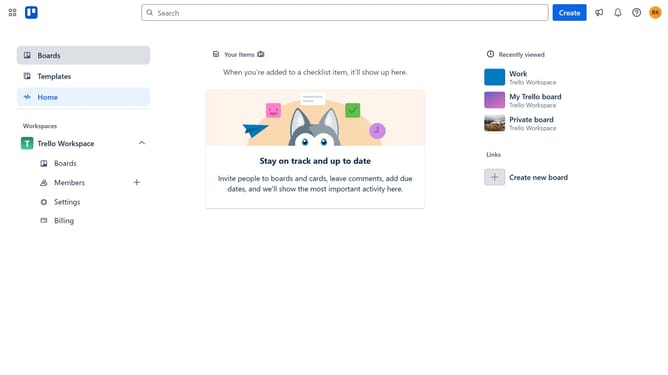
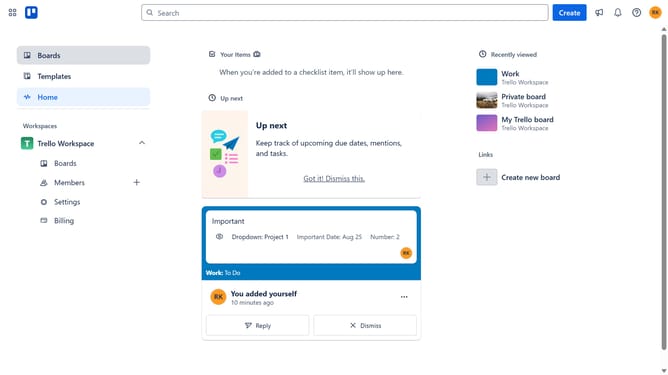
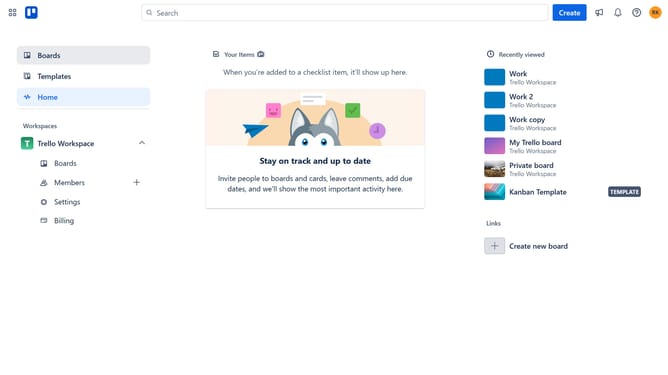
- First click on the "Boards" item in the left sidebar
- Then click on the board that has the card you want to add a due date in the workspaces section
- Next click on the card you want to add a due date
- Click on the "Dates" button in the card details
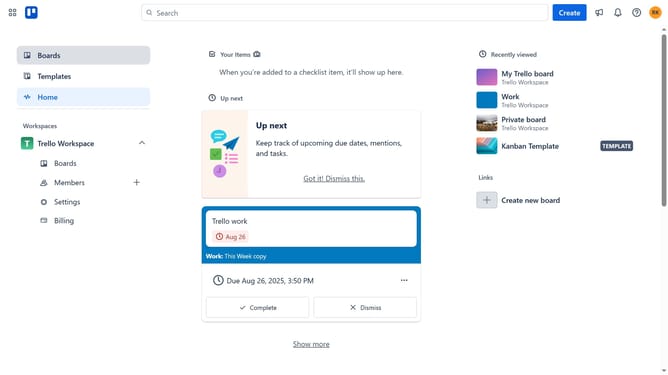
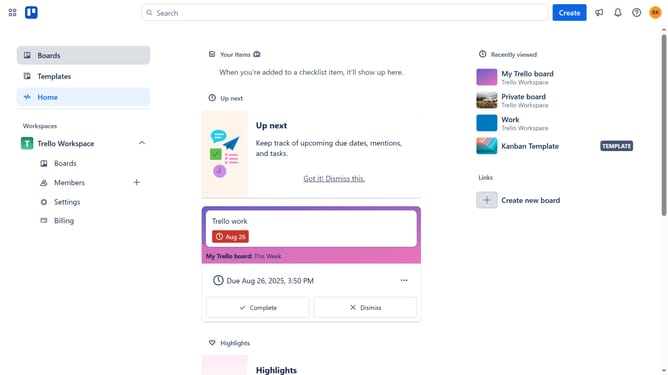
- Click on the due date in the calendar
- Click the time field to manually change the time of the due date
- Finally click "Save" to set the due date for the card
Why should you add due date to a card in Trello
Trello is a versatile project management tool that streamlines work processes through its visually organized boards and cards.
One of Trello's standout features is the ability to add a due date to any card, ensuring that all tasks are completed on time. This feature helps in prioritizing tasks and enhancing time management for individual or team projects.
By assigning due dates, users can track upcoming deadlines with ease, preventing last-minute rushes and reducing stress. This naturally leads to improved productivity, as users can set realistic timelines for task completion and stay focused.
Last update