How to add risk field in Trello
Here is how to add risk field in trello
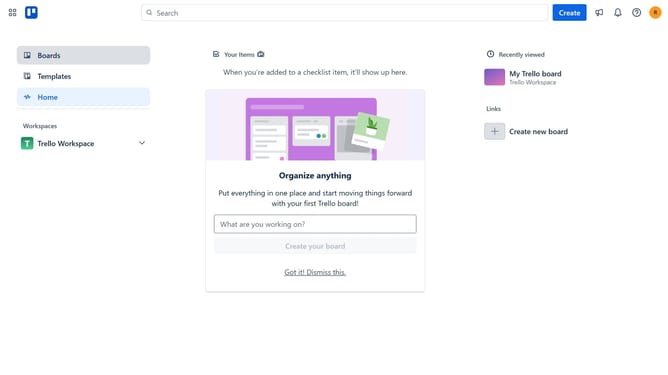
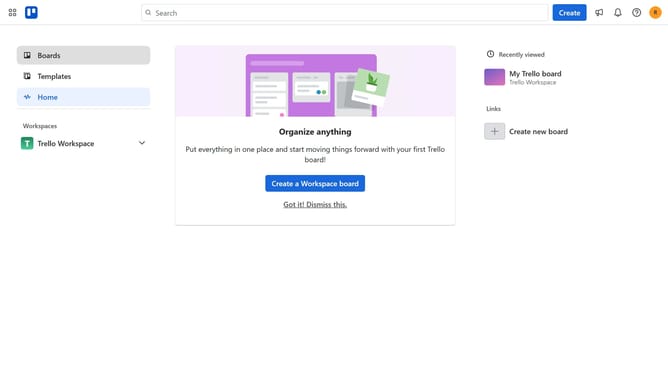
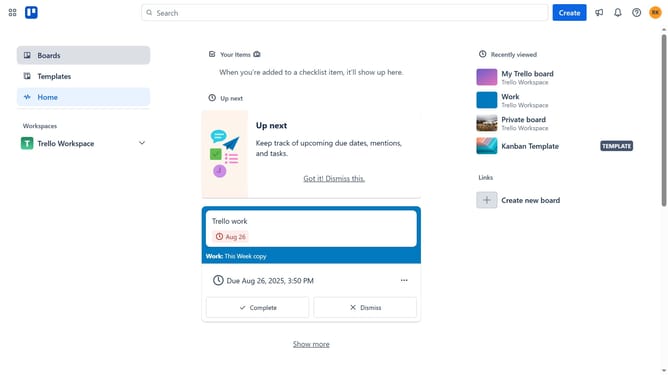
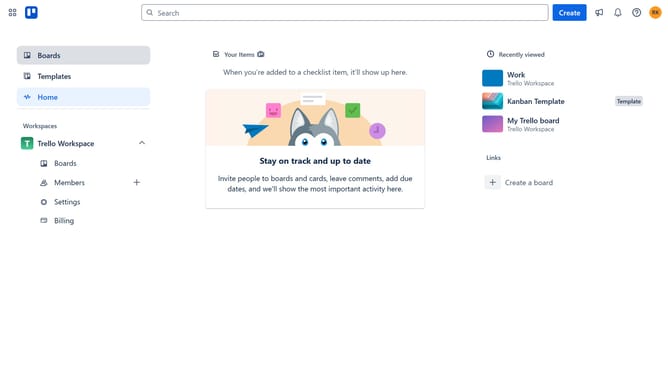
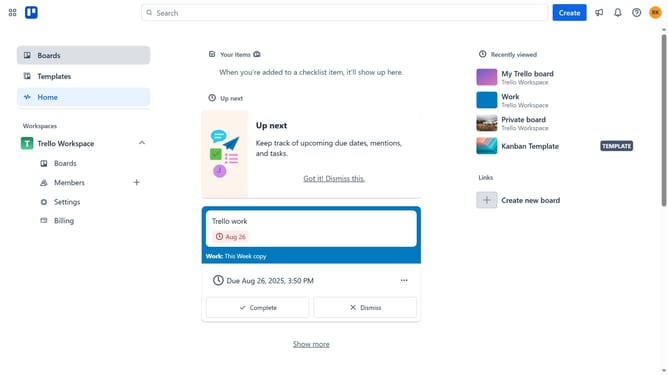
- First click on the "Boards" option in the left sidebar
- Then click on the board where you want to add a risk field in the workspace section
- Next click on the more options menu ("...") in the top-right corner of the board
- Then select "Custom Fields" from the dropdown menu
- Finally click the "Add" button next to the "Risk" field in the suggested fields section
Why should you add risk field in Trello
Trello is a versatile tool designed to organize tasks and manage projects effortlessly through its intuitive board system.
Adding a risk field in Trello allows individuals and teams to identify and track potential issues directly on their boards, seamlessly integrating risk management into their workflow. This feature helps in prioritizing tasks by highlighting areas that need attention, fostering a proactive approach to project management.
Utilizing the risk field encourages strategic planning and informed decision-making, leading to more successful project outcomes while minimizing potential setbacks.
Last update